
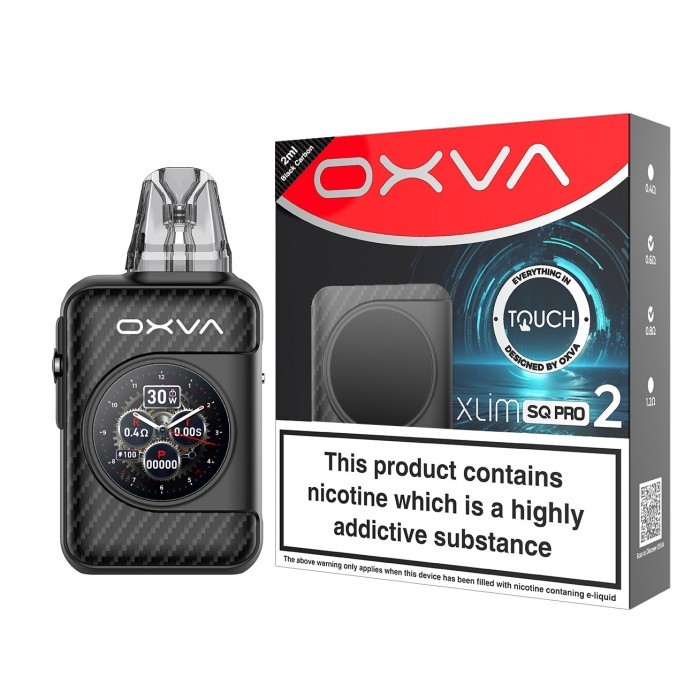
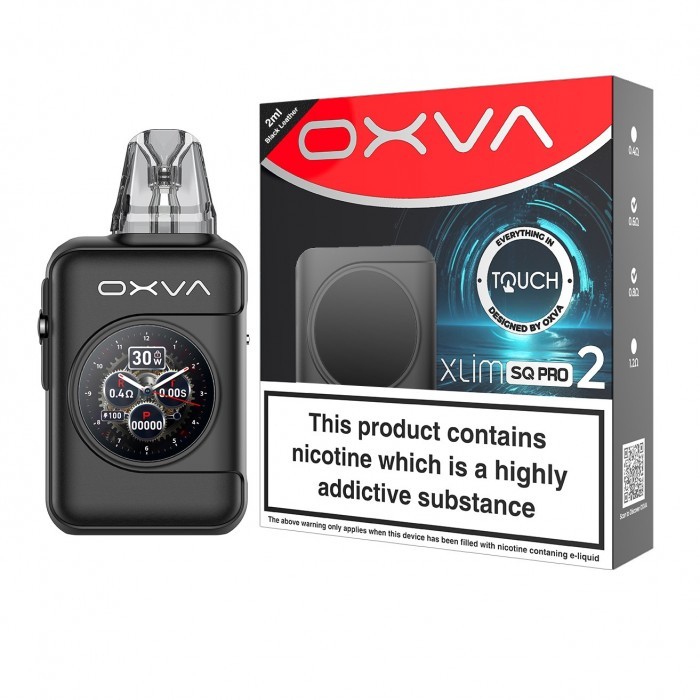
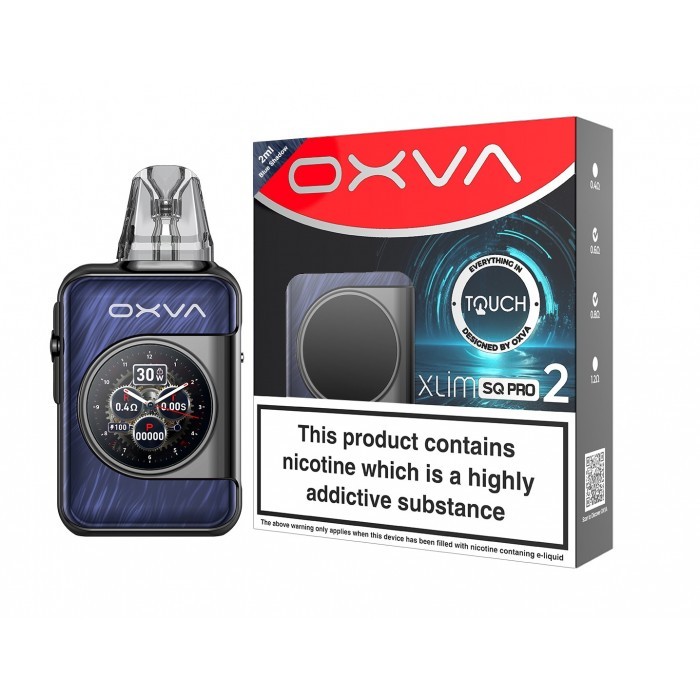
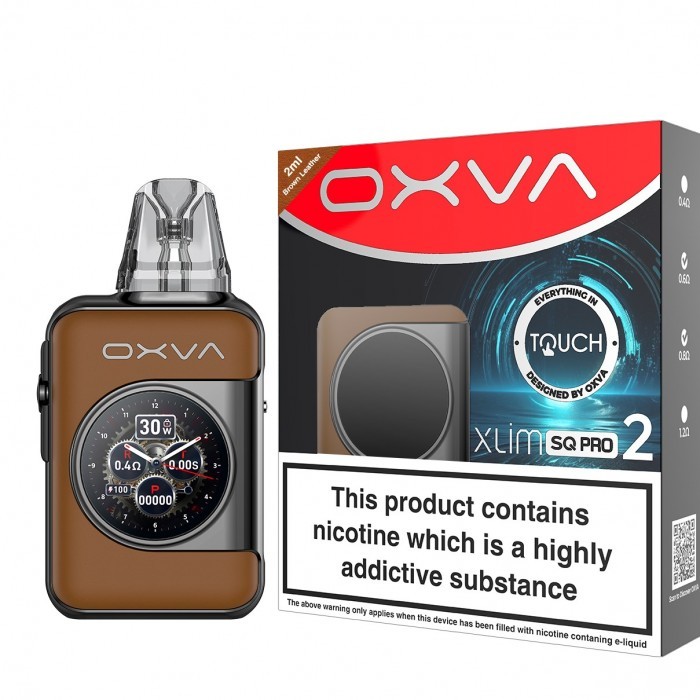
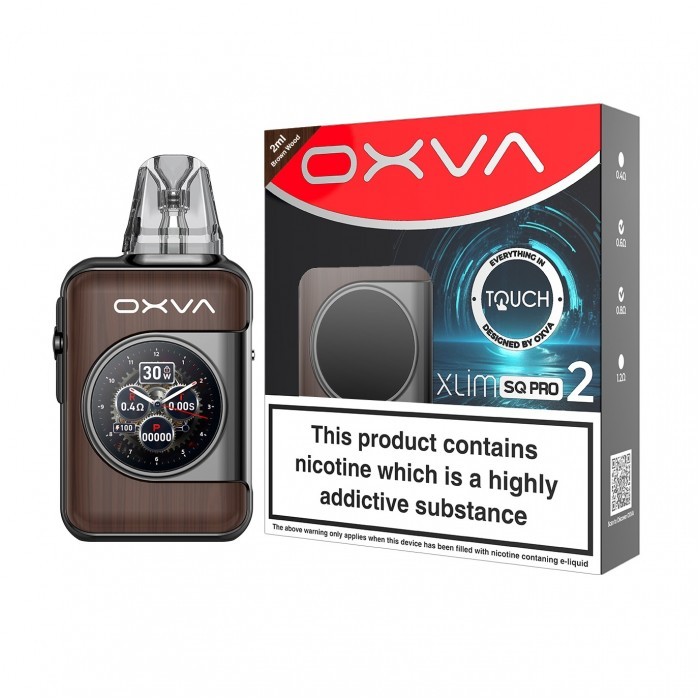
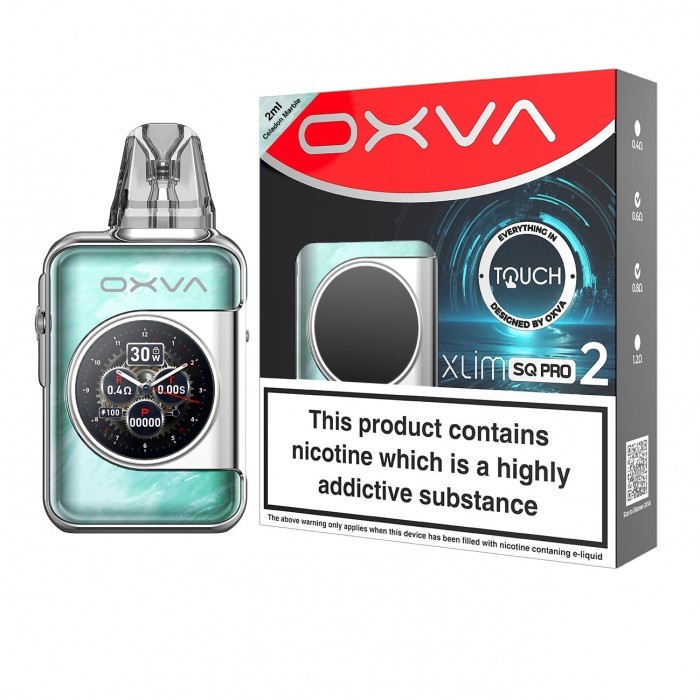
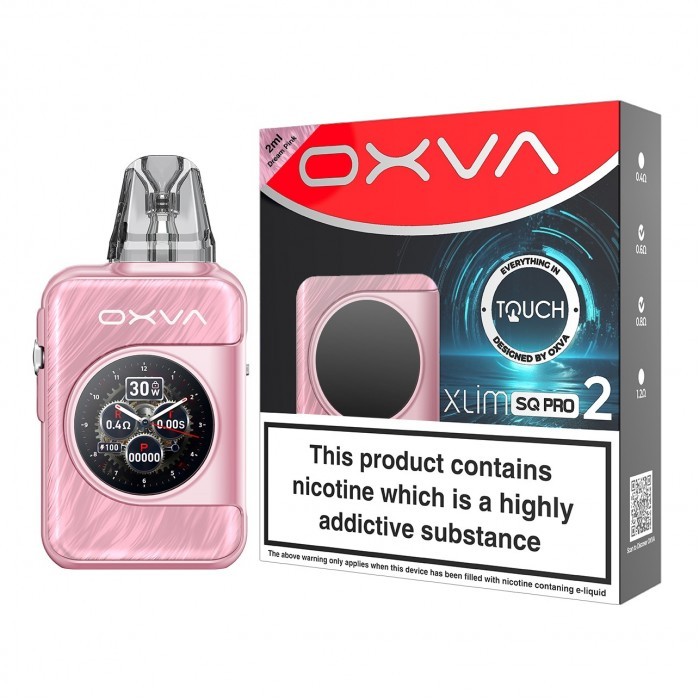
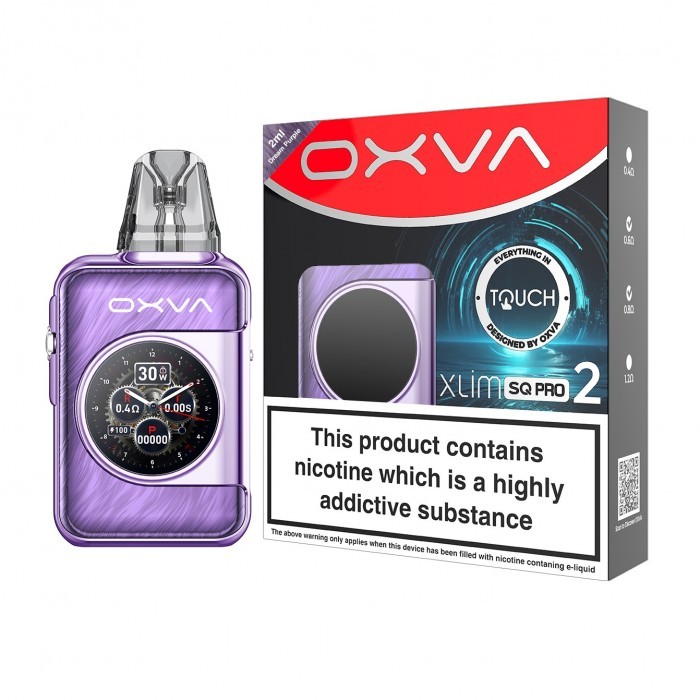


Description
OXVA XLIM SQ Pro 2: The First Touch Screen XLIM Pod Kit
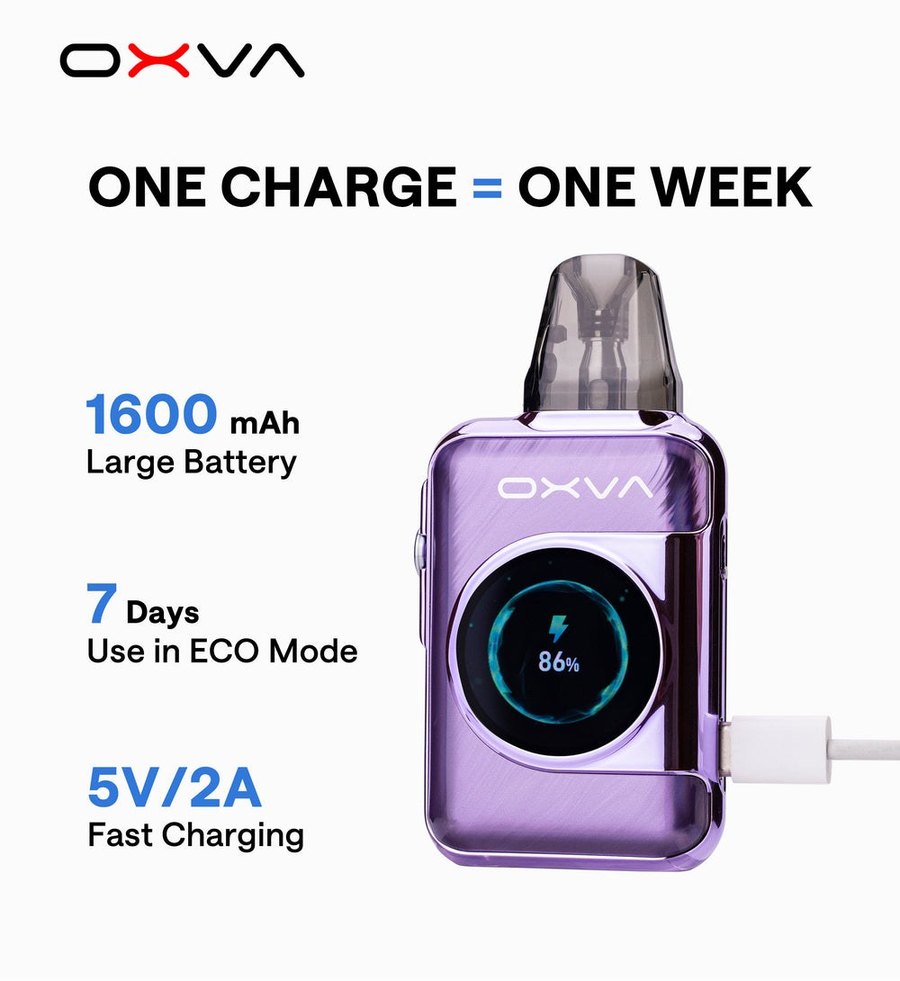
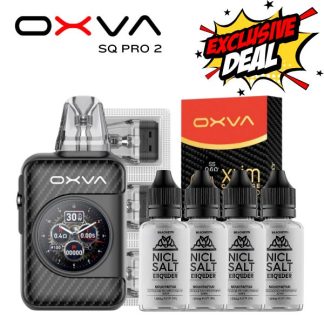
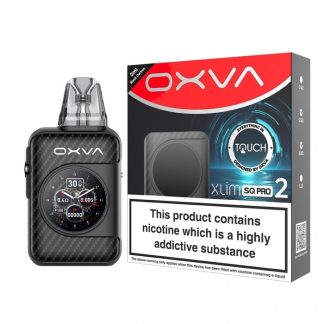
The OXVA XLIM SQ Pro 2 is the first XLIM with a touch screen. OXVA has fitted a 1.09-inch HD touch display, a 1600mAh battery and 5–30W output into a square body only 93.4mm tall, along with an ECO mode it rates at up to seven days per charge and a puff diary that logs your vaping by day, week and month.
It follows the original OXVA XLIM SQ Pro with a third more battery and a far better screen, and it runs every XLIM V3, EZ and V2 pod. Below: specifications, OXVA’s wattage guide for each resistance, our pod pick, set-up, battery life, colours and answers to what customers ask us about it in store.
🔌 OXVA XLIM SQ Pro 2 at a Glance
✔ 1600mAh battery, 33% more than the SQ Pro
✔ 5V/2A Type-C, full charge in 45 minutes
✔ 5–30W output
✔ 1.09-inch HD touch screen
✔ ECO mode: up to 7 days per charge, by OXVA’s figures
✔ Puff diary: real-time, weekly and 30-day records
✔ Side airflow control
✔ Ships with 0.6Ω and 0.8Ω Top Fill pods and a lanyard
OXVA XLIM SQ Pro 2 Specifications
OXVA’s published specifications. OXVA also states that the puff records stay private to you and are not collected.
| Specification | XLIM SQ Pro 2 |
|---|---|
| Battery | 1600mAh, built in |
| Charging | Type-C, 5V/2A; full in 45 minutes |
| Output | 5–30W, 0.1–3.0Ω |
| Screen | 1.09-inch HD touch screen, 248 x 240, 316PPI, 60Hz |
| Display options | 4 themes, 4 animation effects and 4 standby wallpapers – 64 combinations |
| Tools | Stopwatch, date, calendar, flashlight, language and ECO mode |
| Puff tracking | 5-digit counter plus a puff diary with real-time, weekly and monthly views |
| Airflow | Side airflow control |
| Body | Zinc alloy with IML or artificial leather, 93.4 x 48 x 20.01mm, 114g |
Which Pods Fit the XLIM SQ Pro 2?
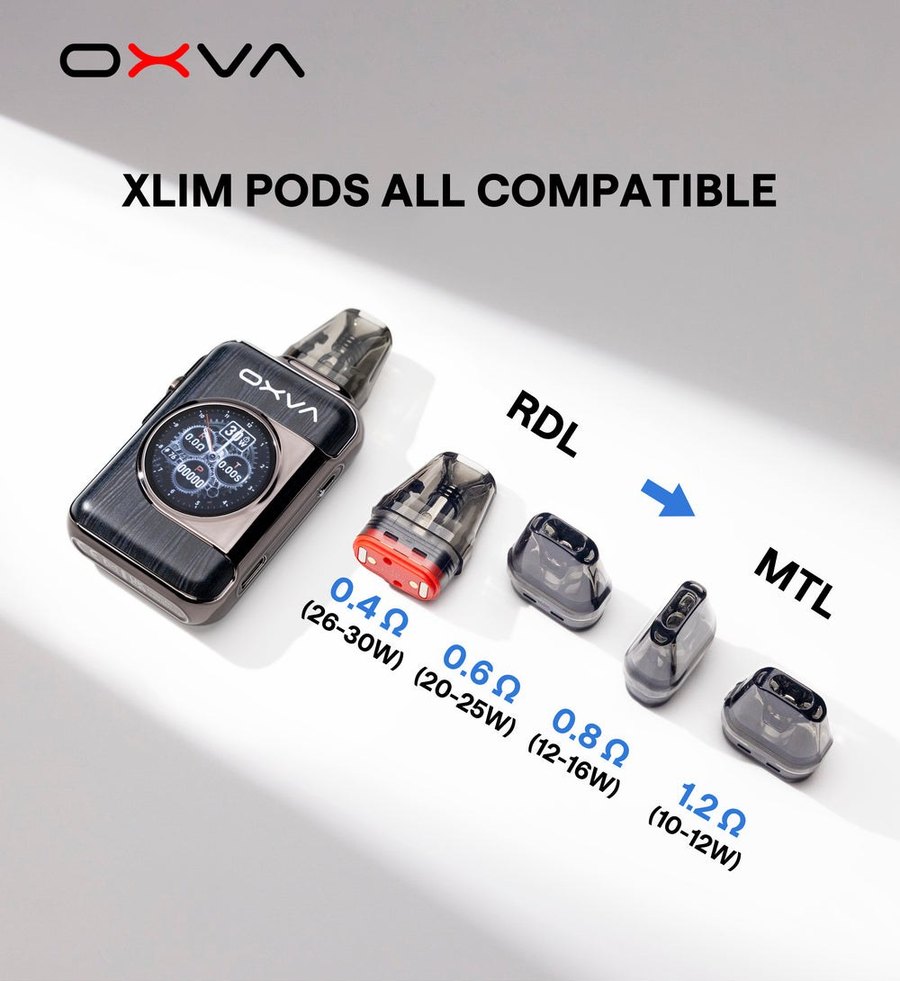
OXVA’s line is simply that XLIM series pods are all compatible, and the SQ Pro 2 reaches the full 30W the 0.4Ω needs.
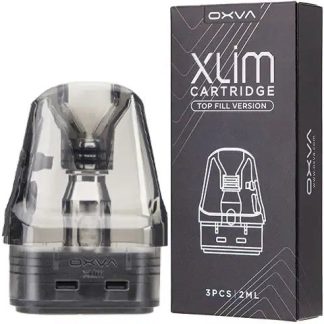
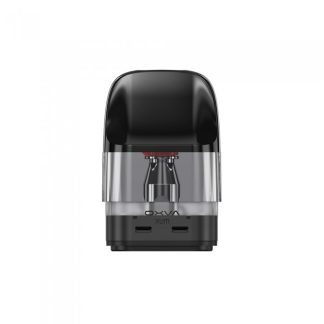
Two XLIM Top Fill pods come in the box, and the matching refills are the XLIM V3 Top Fill replacement pods in all four resistances. If you would rather fill without removing the pod, the XLIM EZ snap-top pods sit in the same slot and use the same wattage bands.
The SQ Pro 2 also accepts XLIM V2 side-fill pods (0.6Ω to 1.2Ω), which is useful if you are moving up from the original SQ Pro or an older XLIM and still have spares.
Will not fit: the stainless steel DNA pods, which belong in the Pro 2 DNA only, and NeXlim pods.
Getting Started with the XLIM SQ Pro 2
- Charge it fully over USB Type-C – OXVA quotes 45 minutes from flat.
- Remove the pre-installed 0.6Ω pod, open the top plug, fill it and press the plug firmly closed.
- Refit the pod and let it soak for five minutes before the first puff.
- Use the touch screen to pick a theme, animation and wallpaper, and set the date so the puff diary records correctly.
- Adjust the side airflow to taste and start vaping. When you want the battery to last, turn on ECO mode from the tools.
XLIM SQ Pro 2 Battery Life
The 1600mAh cell is a third bigger than the 1200mAh in the SQ Pro, and OXVA’s claim is up to seven days on one charge in ECO mode – one charge, one week. That’s the ECO figure; at 26–30W on an 0.4Ω you’ll be charging far more often. A full charge takes 45 minutes at 5V/2A.
XLIM SQ Pro 2 Troubleshooting
| Problem | Likely cause and fix |
|---|---|
| Touch screen not responding | Make sure the screen and your finger are dry. If it still won’t respond, charge it for a few minutes and try again. |
| Battery draining quickly | Switch on ECO mode and use an 0.6Ω or higher-resistance pod. |
| Puff diary looks wrong | Check the date is set correctly in the tools. |
| Harsh hit from an 0.4 pod | The 0.4Ω needs 26–30W and plenty of air. Open the airflow, or move to the 0.6Ω. |
| Gurgling | Flick the pod into a tissue, and close the airflow a touch. |
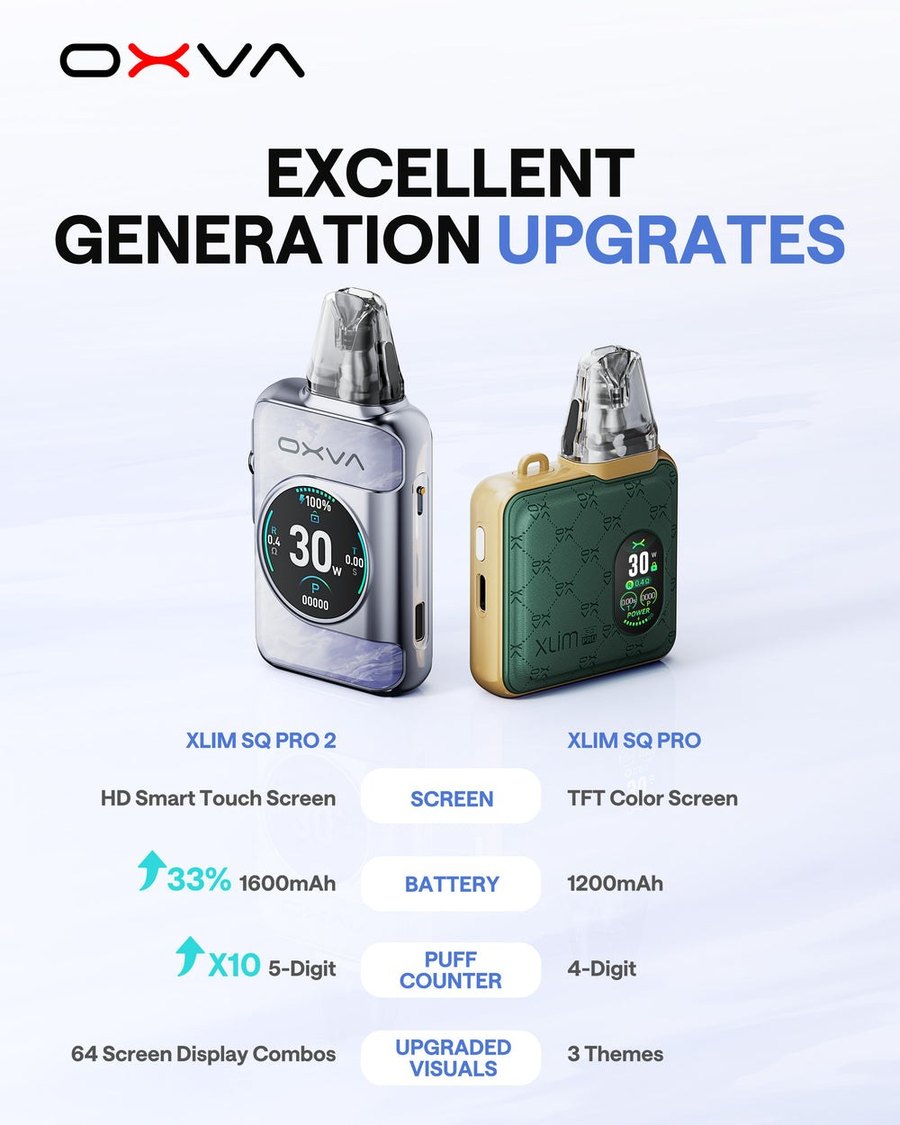
XLIM SQ Pro 2 vs XLIM SQ Pro
| SQ Pro 2 | SQ Pro | |
|---|---|---|
| Screen | 1.09-inch HD touch screen | TFT colour screen |
| Battery | 1600mAh | 1200mAh |
| Puff counter | 5-digit, with puff diary | 4-digit |
| Display choice | 64 combinations | 3 themes |
The square shape is the same; nearly everything else is better. Prefer a slim, stick-style XLIM with a fire button instead? Look at the OXVA XLIM Pro 3.
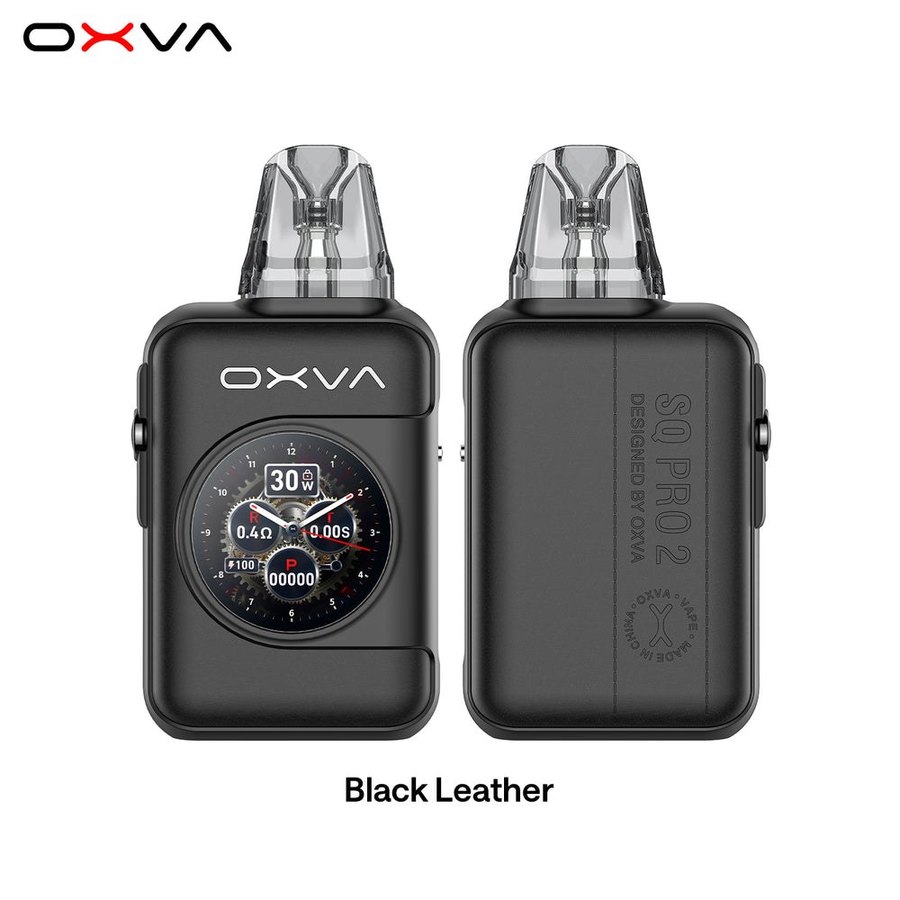
XLIM SQ Pro 2 Colours
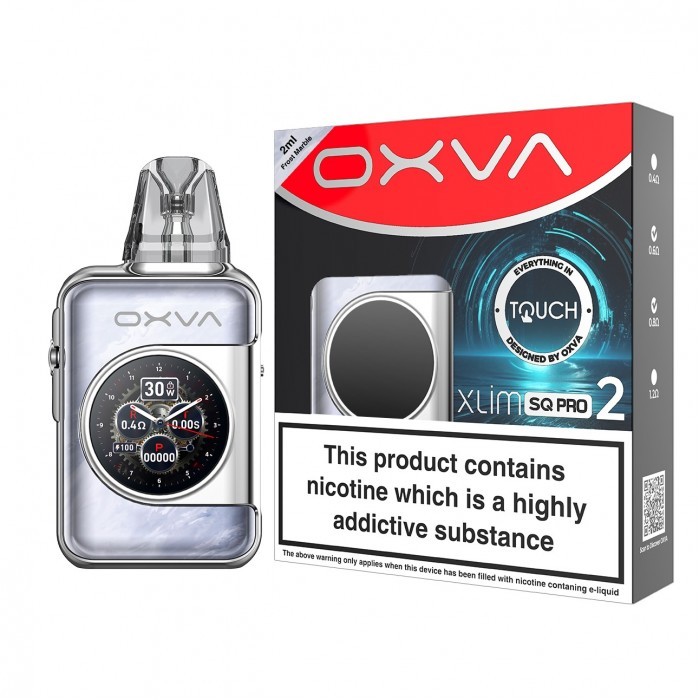
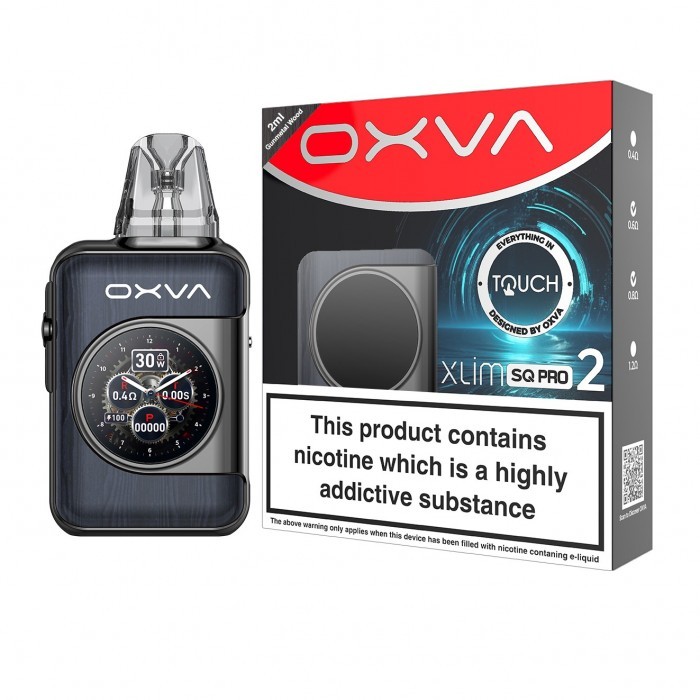
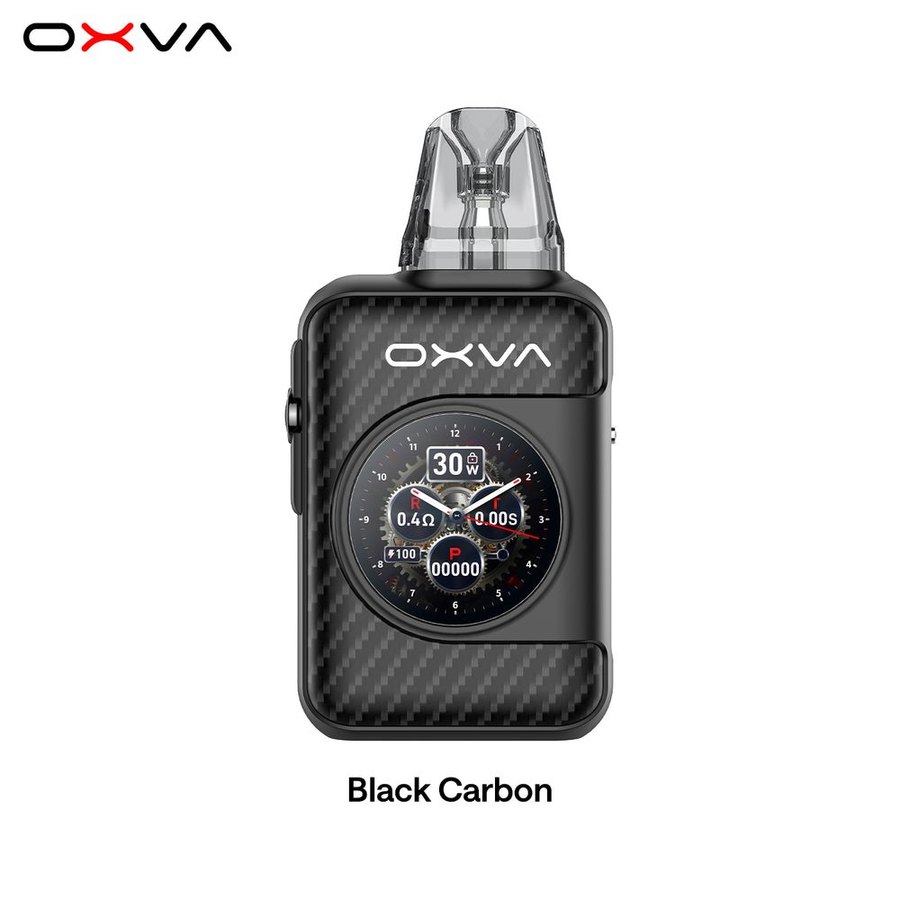
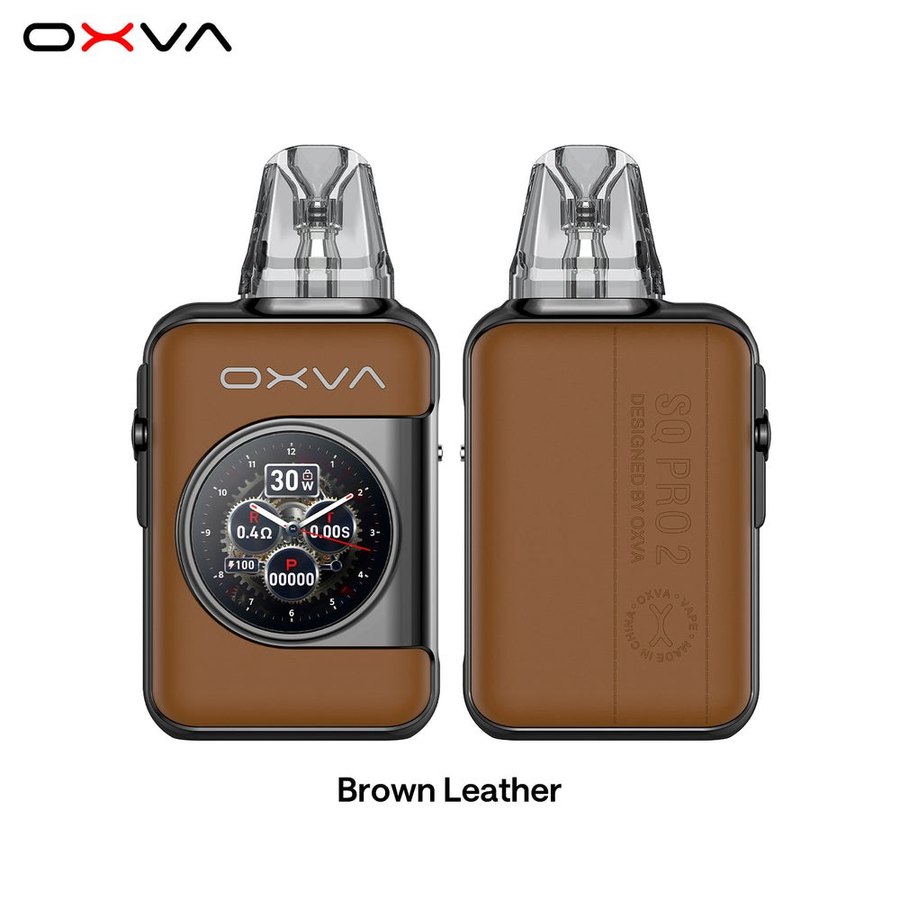
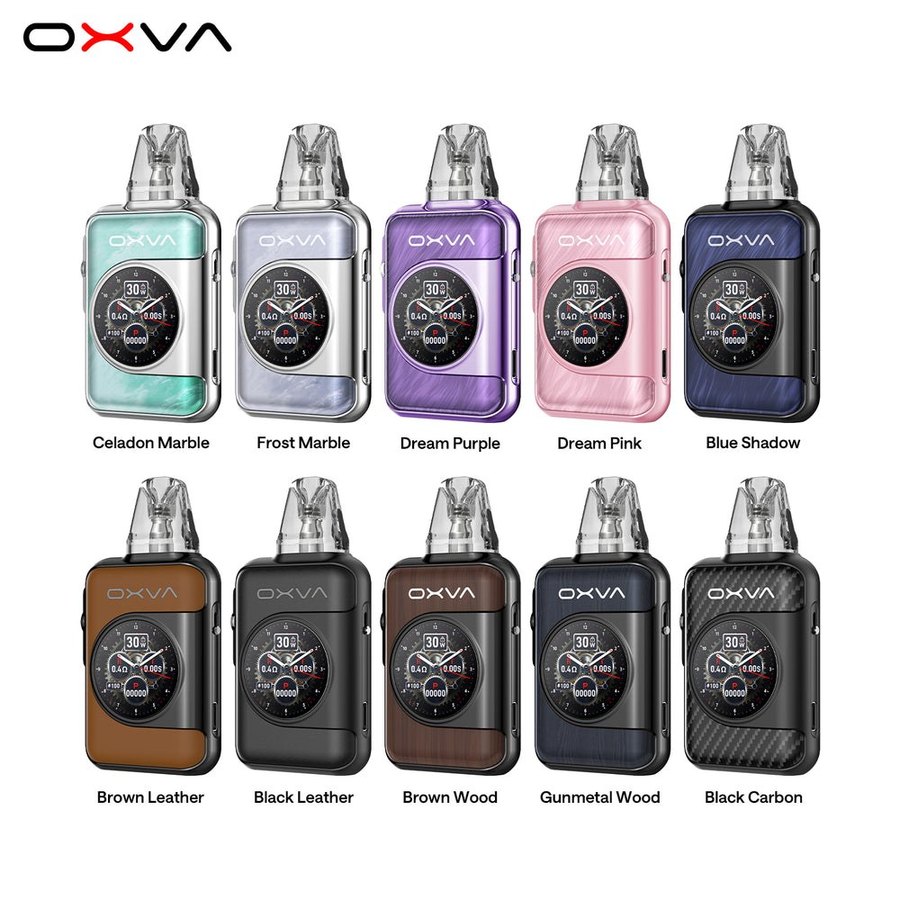
OXVA makes the SQ Pro 2 in ten finishes: Frost Marble, Celadon Marble, Dream Pink, Dream Purple, Blue Shadow, Brown Leather, Gunmetal Wood, Black Leather, Brown Wood and Black Carbon. The colour options above show which are in stock right now.
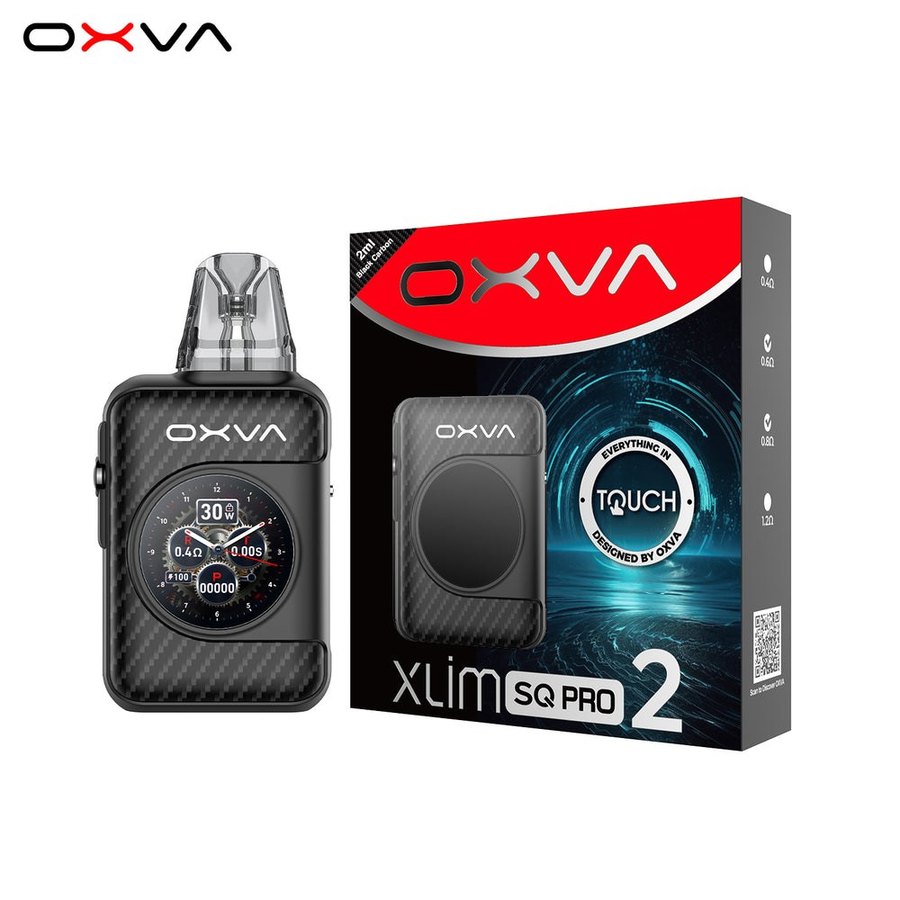
What’s in the Box
One XLIM SQ Pro 2, an XLIM Top Fill 0.6Ω pod (pre-installed), an XLIM Top Fill 0.8Ω pod, a lanyard, a user manual, a quick user guide and a use suggestion card.
Best E-Liquids for the XLIM SQ Pro 2
On the 0.6Ω, 0.8Ω and 1.2Ω pods, nic salts at 10mg or 20mg are the natural choice. OXVA’s Ox Passion nic salts are blended for XLIM coils – our Ox Passion nic salts review has our favourites. If you run the 0.4Ω, lower the strength: 10mg salts or 3–6mg 50/50 freebase e-liquids, because the extra vapour carries more nicotine per puff.
See the XLIM SQ Pro 2 in Store
Need the OXVA XLIM SQ Pro 2 today? Our Totton vape shop, Hythe vape shop and Holbury vape shop stock replacement pods, coils and kits, and the team can check which resistance suits your device and e-liquid. Try the touch screen for yourself and we’ll set up ECO mode and the date for you. Stock varies by store, so give us a call before you travel. Ordering online instead? See our delivery options.
You May Also Like
- OXVA XLIM V3 Replacement Pods
- OXVA XLIM EZ Replacement Pods
- OXVA XLIM V2 Replacement Pods
- OXVA XLIM Pro 3 Pod Kit
- OXVA XLIM Range Review 2026
- Ox Passion Nic Salts
Frequently Asked Questions
Is the XLIM SQ Pro 2 a touch screen?
Yes. OXVA calls it the first touch screen pod in the XLIM family: a 1.09-inch HD display with 64 theme, animation and wallpaper combinations.
What is ECO mode on the XLIM SQ Pro 2?
A power-saving setting in the tools menu. OXVA rates the 1600mAh battery at up to seven days per charge with ECO on.
Does the XLIM SQ Pro 2 track puffs?
Yes – a 5-digit counter and a puff diary with real-time, weekly and monthly records. OXVA says the data stays on your device.
Is the OXVA XLIM SQ Pro 2 good?
If you want a screen you can actually use, yes. It’s the only XLIM with a touch screen, has a 1600mAh battery with ECO mode, and runs every XLIM pod from 0.4Ω to 1.2Ω.
What pods fit the XLIM SQ Pro 2?
All XLIM V3 (Top Fill), EZ and V2 pods. Not the stainless steel DNA pods, and not NeXlim pods.
How long does the XLIM SQ Pro 2 battery last?
Up to seven days per charge in ECO mode, by OXVA’s figures, and 45 minutes to charge fully.
XLIM SQ Pro 2 vs XLIM Pro 3: which should I buy?
The SQ Pro 2 for the touch screen, square shape and bigger 1600mAh battery. The XLIM Pro 3 for a slimmer stick shape, a fire button and faster 80%-in-30-minutes charging.

Reviews
There are no reviews yet.