
Description
OXVA XLIM Pro 2 DNA: Evolv DNA Chip, Anti-Burn and Flavour Replay
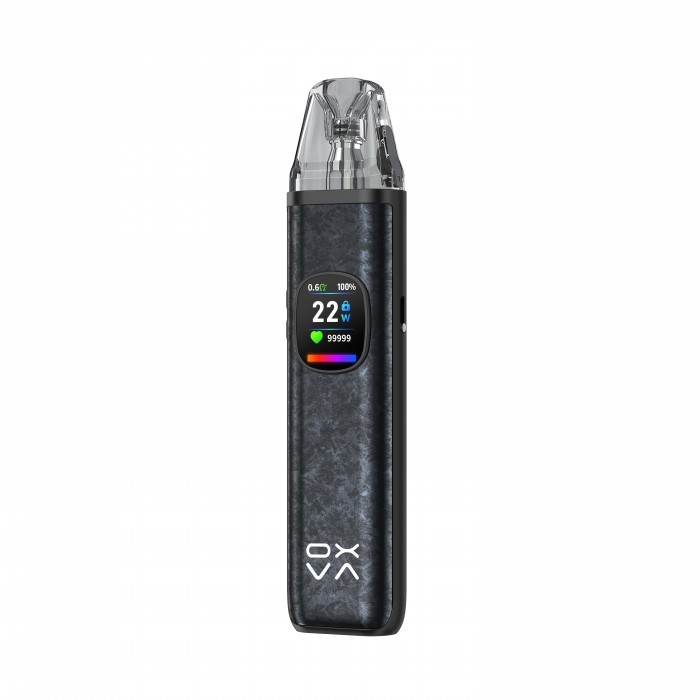
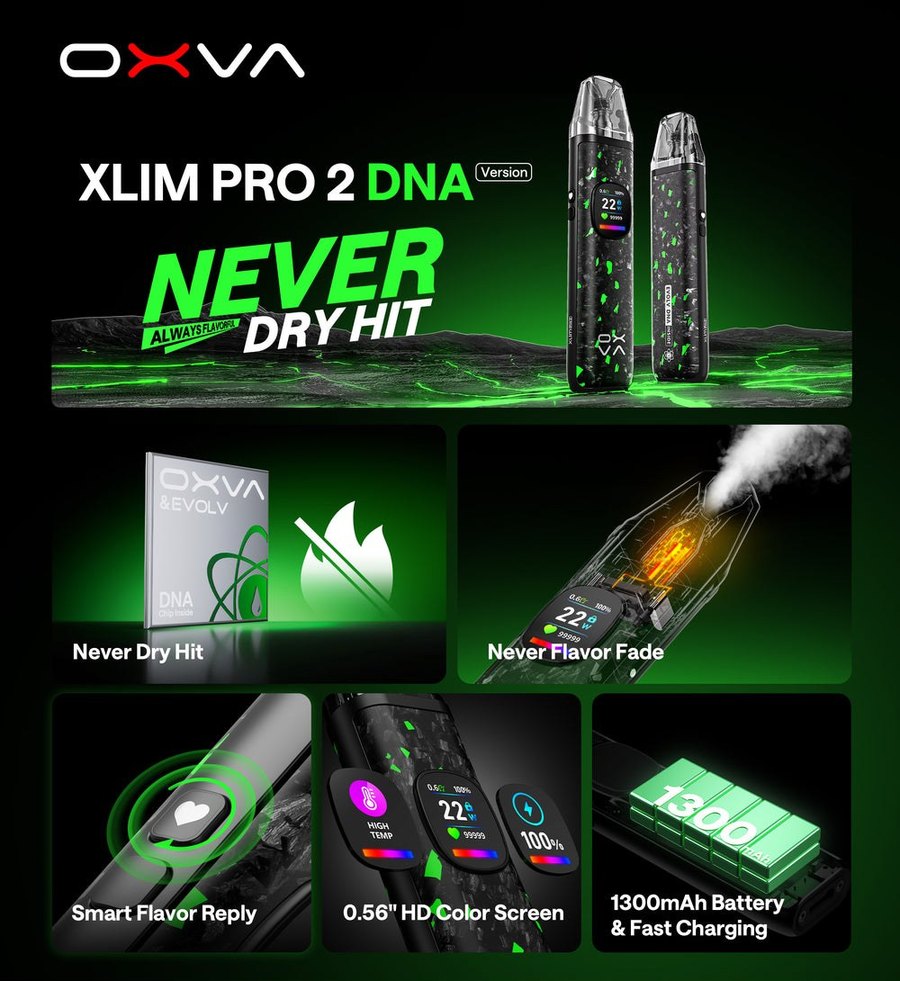
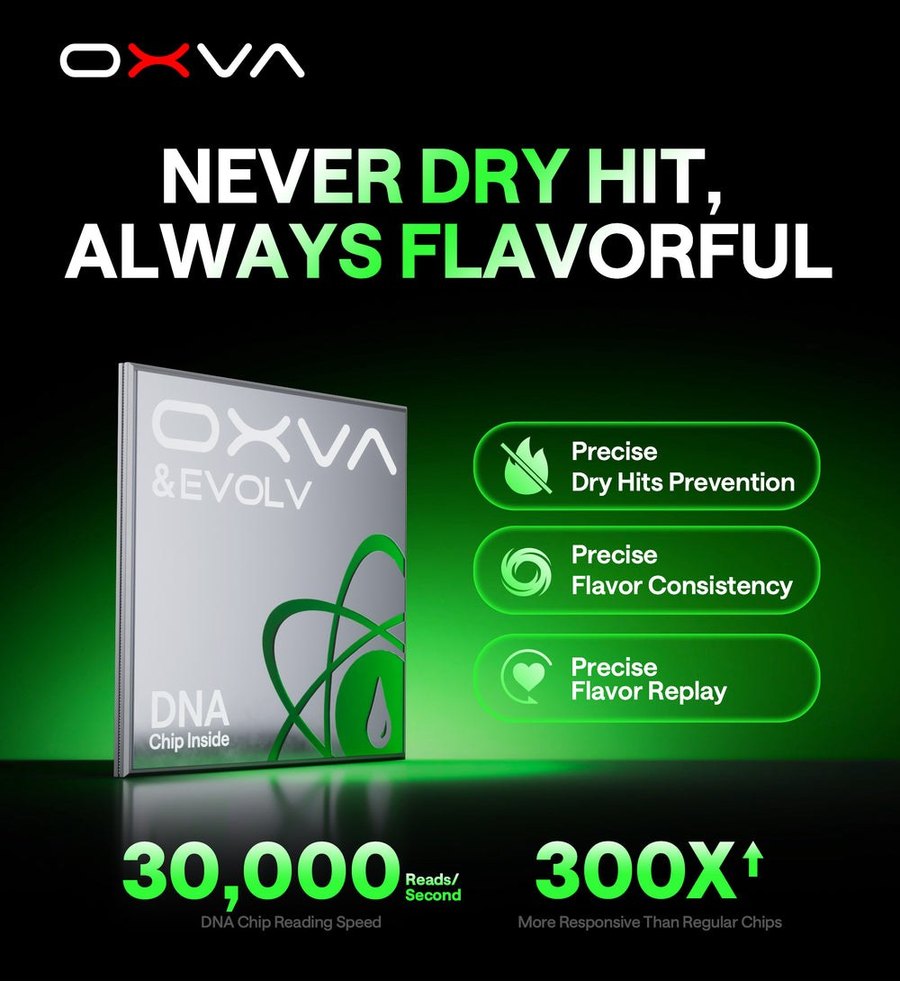
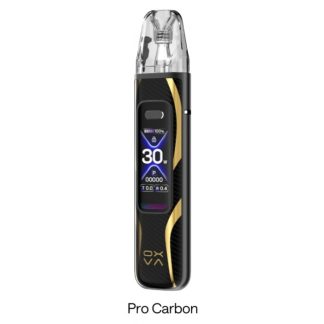
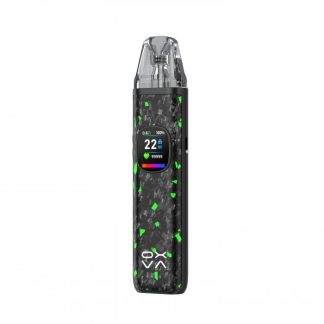
The OXVA XLIM Pro 2 DNA is the XLIM Pro 2 rebuilt around an Evolv DNA chipset. With OXVA’s stainless steel pods it adds two things no other XLIM has: Anti-Burn, designed to stop dry hits before they happen, and Smart Flavour Replay, which locks in the output of a puff you liked. Around that sit a 1300mAh battery, 5–30W, a 0.56-inch HD colour screen, temperature control, auto-draw and a fire button.
It is the one XLIM where pod choice really matters: every standard XLIM pod fits, but the DNA features only work with the stainless steel cartridges. Below: specs, which pods to buy, controls, battery and PC set-up, colours and how it differs from the standard XLIM Pro 2.
🔌 OXVA XLIM Pro 2 DNA at a Glance
✔ Evolv DNA chip, 30,000 reads per second
✔ Anti-Burn dry-hit protection
✔ Smart Flavour Replay button
✔ Temperature control
✔ 1300mAh battery, 5V/2A Type-C
✔ 5–30W output
✔ 0.56-inch HD colour screen
✔ Auto-draw and fire button
✔ PC-programmable via the data cable in the box
OXVA XLIM Pro 2 DNA Specifications
OXVA’s figures for the DNA version. Anti-Burn and Flavour Replay need the stainless steel pods.
| Specification | XLIM Pro 2 DNA |
|---|---|
| Chipset | OXVA x Evolv DNA, with temperature control |
| Battery | 1300mAh, built in |
| Charging | Type-C, 5V/2A; the cable also carries data for PC set-up |
| Output | 5–30W, 0.2–3.0Ω |
| Firing | Auto-draw and fire button |
| Buttons | Function button and REPLAY button |
| Screen | 0.56-inch HD colour screen |
| Airflow | Side airflow control |
| Pods in the box | XLIM Top Fill Stainless Steel 0.6Ω and 0.8Ω |
| Body | Zinc alloy with carbon fibre or IML, and PCTG; 114.5 x 25 x 15mm, 67g |
Which Pods Fit the XLIM Pro 2 DNA?
Two groups of pods fit, and they behave differently.
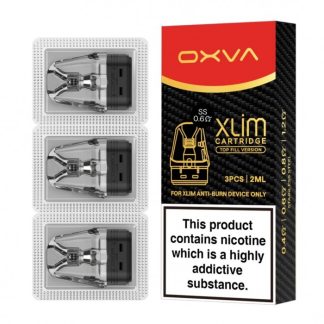
The pods this device is built for are the XLIM stainless steel pods – OXVA’s XLIM Top Fill Cartridge SS, in 0.4Ω to 1.2Ω. The DNA chip reads their stainless steel coil, which is what makes Anti-Burn and Flavour Replay work, and OXVA says they last around 30% longer than a standard pod. Two come in the box, and they are the replacements to keep in stock.
Standard XLIM pods fit and fire normally, just without the DNA features: XLIM V3 replacement pods and XLIM EZ pods in 0.4Ω to 1.2Ω, and XLIM V2 pods in 0.6Ω to 1.2Ω. They make handy spares, but you lose the reason you bought the DNA.
Don’t move stainless steel pods into any other XLIM: OXVA says they malfunction on non-DNA devices. A standard XLIM such as the XLIM GO 2 needs V3 or EZ pods.
Will not fit: NeXlim pods of any kind.
Setting Up the XLIM Pro 2 DNA
- Charge it with the Type-C cable from the box.
- Press and hold both buttons for two seconds to switch on.
- Take out a stainless steel pod, fill it through the top plug, refit it and give it a few minutes to soak.
- Use the function button: two clicks changes the light effect, three clicks adjusts the wattage and four clicks locks or unlocks the fire button.
- Vape by drawing or by pressing fire. When a puff tastes exactly right, press REPLAY once to lock it in; press twice to cancel.
Battery, Charging and PC Set-Up
The 1300mAh battery is smaller than the cells in the GO 2 or SQ Pro 2, so heavy vapers should expect to charge it more often. It charges at 5V/2A, and the Type-C cable in the box also carries data: connect the Pro 2 DNA to a PC and you can programme your own power and flavour curves and customise the display. Left untouched for 36 hours, it switches itself off to save power.
XLIM Pro 2 DNA Troubleshooting
| Problem | Likely cause and fix |
|---|---|
| Anti-Burn or Replay not working | A standard V3, EZ or V2 pod is fitted. Both features need the stainless steel pods. |
| Fire button does nothing | It’s locked. Four clicks of the function button unlocks it. |
| Screen in the wrong language | Six clicks of the function button switches language; seven resets the puff counter. |
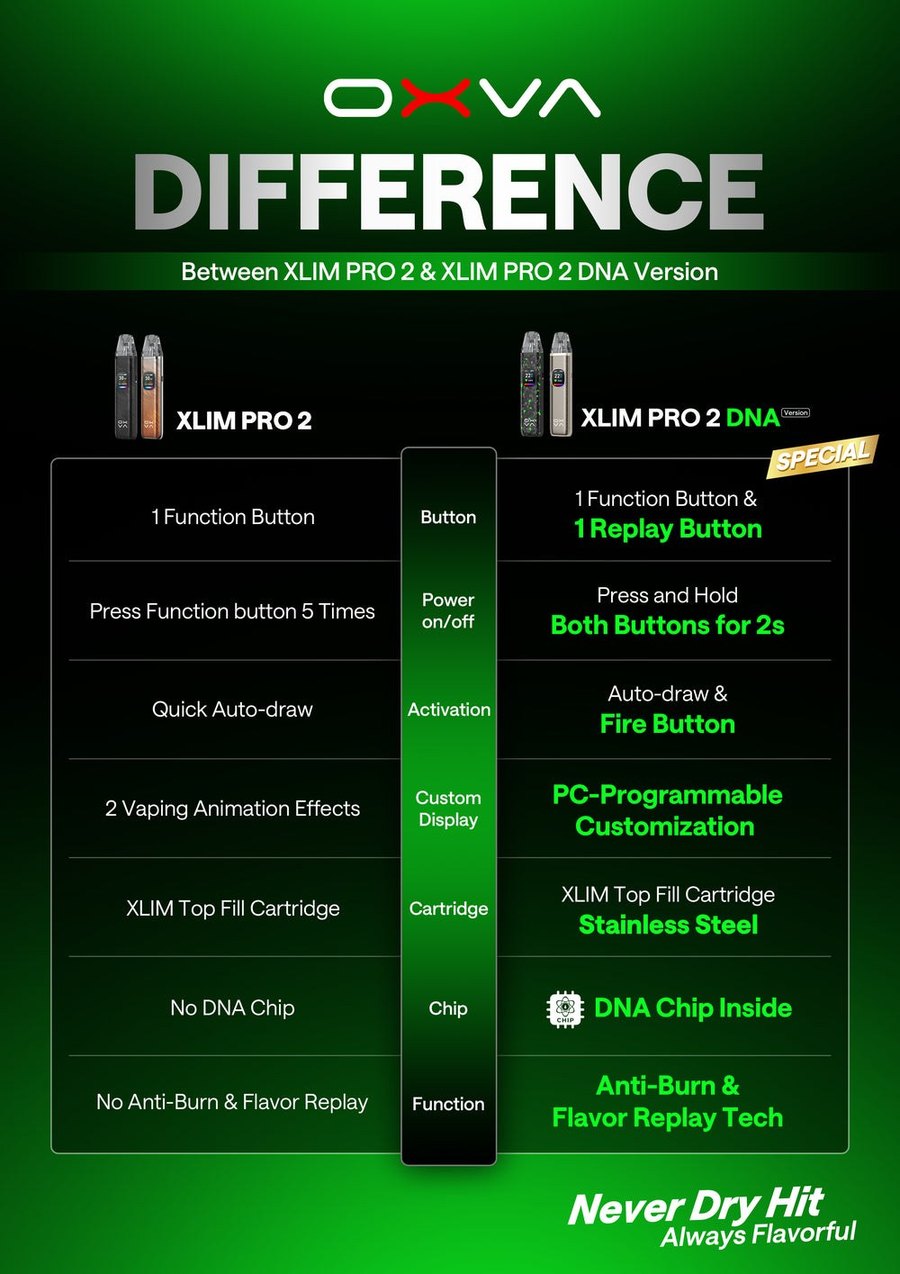
XLIM Pro 2 DNA vs Standard XLIM Pro 2
| XLIM Pro 2 DNA | XLIM Pro 2 | |
|---|---|---|
| Buttons | Function button and REPLAY button | One function button |
| Power on/off | Hold both buttons for 2s | Press function button 5 times |
| Activation | Auto-draw and fire button | Auto-draw |
| Display | PC-programmable customisation | 2 vaping animation effects |
| Cartridge | XLIM Top Fill Stainless Steel | XLIM Top Fill |
| Chip | Evolv DNA | No DNA chip |
| Anti-Burn and Flavour Replay | Yes | No |
The standard OXVA XLIM Pro 2 pod kit is the simpler device; the DNA version adds dry-hit protection and control over each puff.
XLIM Pro 2 DNA Colours
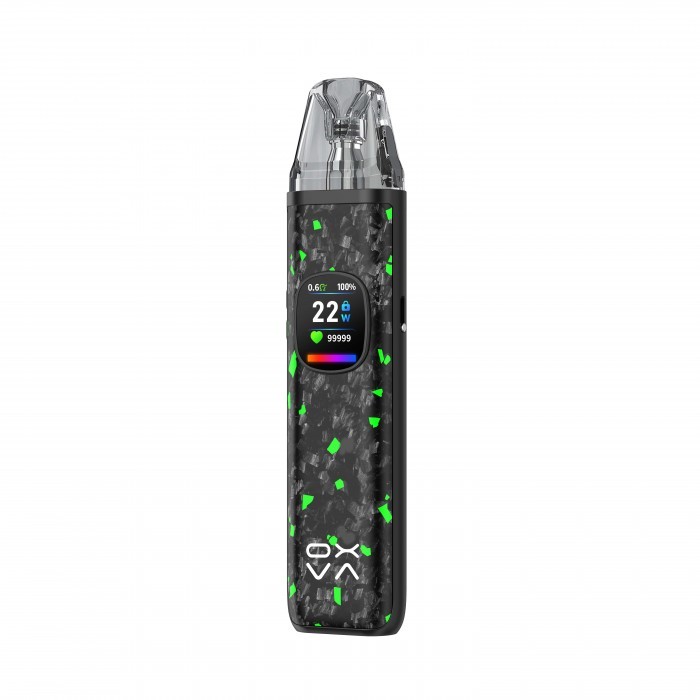
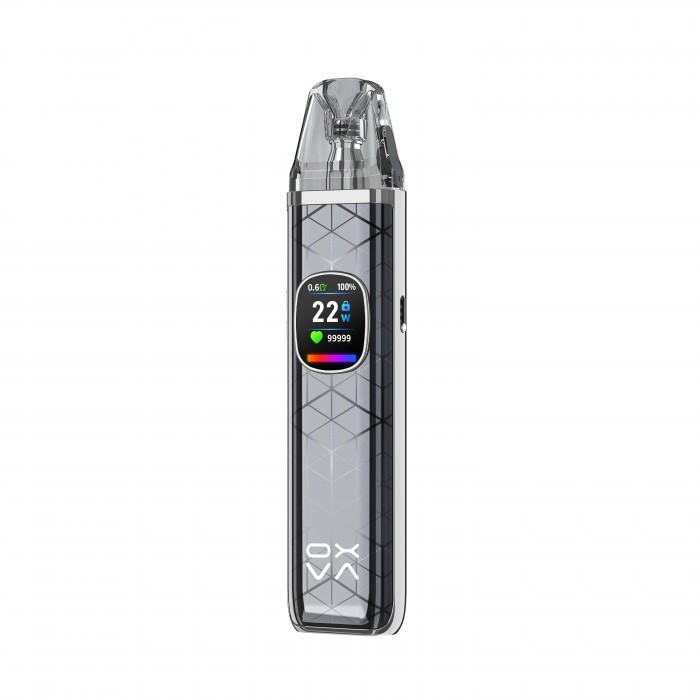
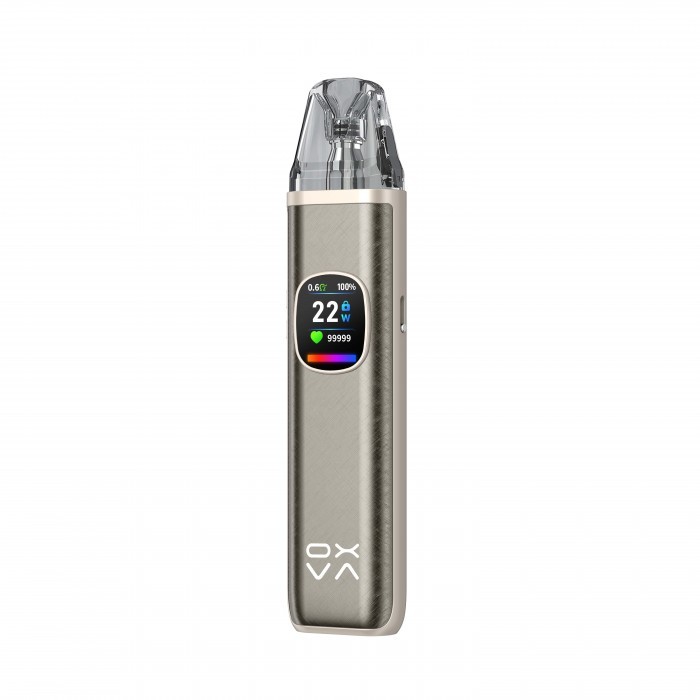
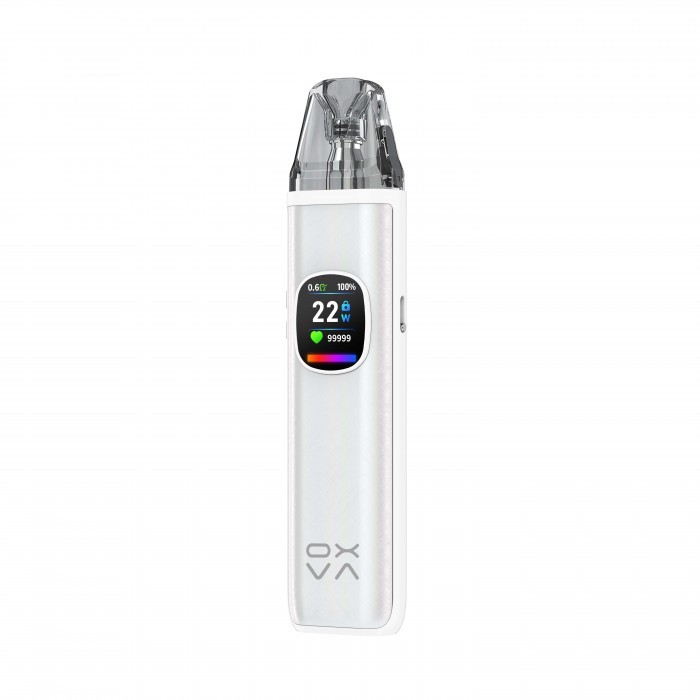
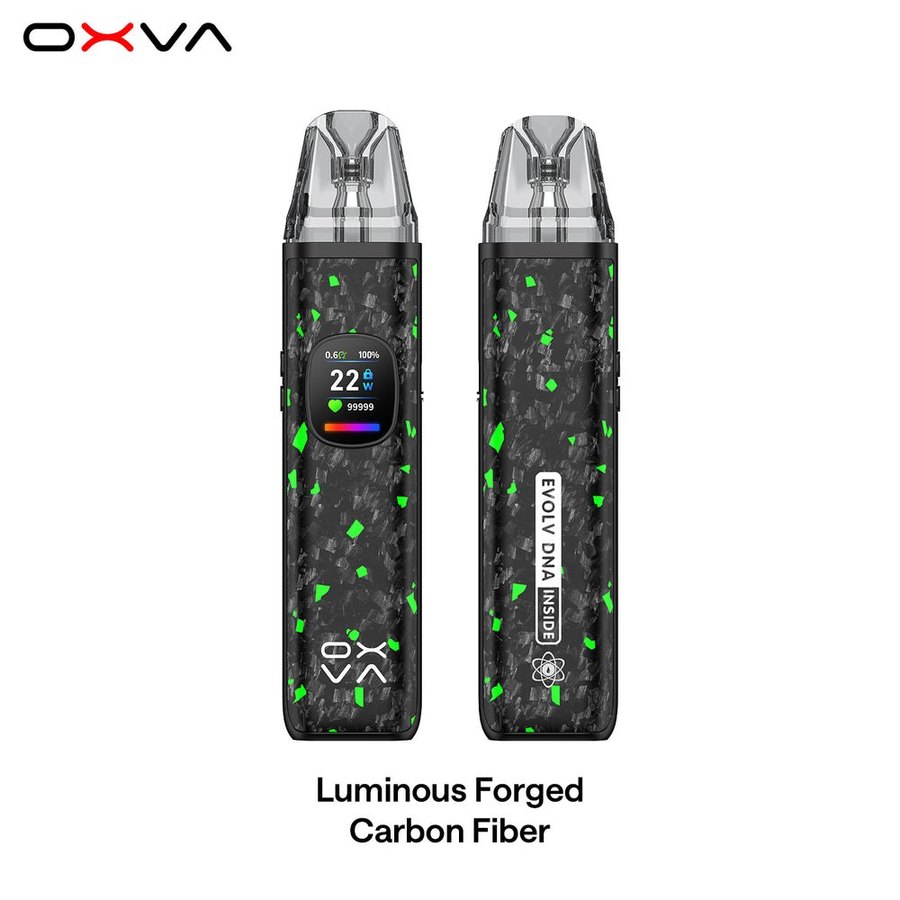
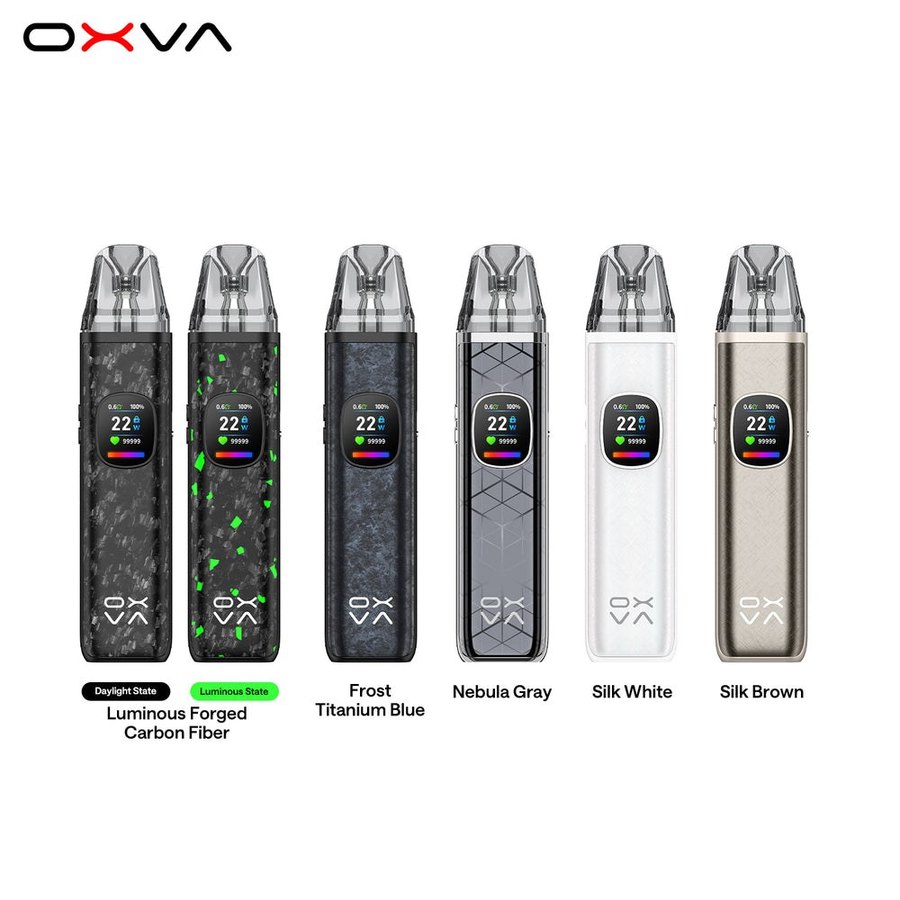
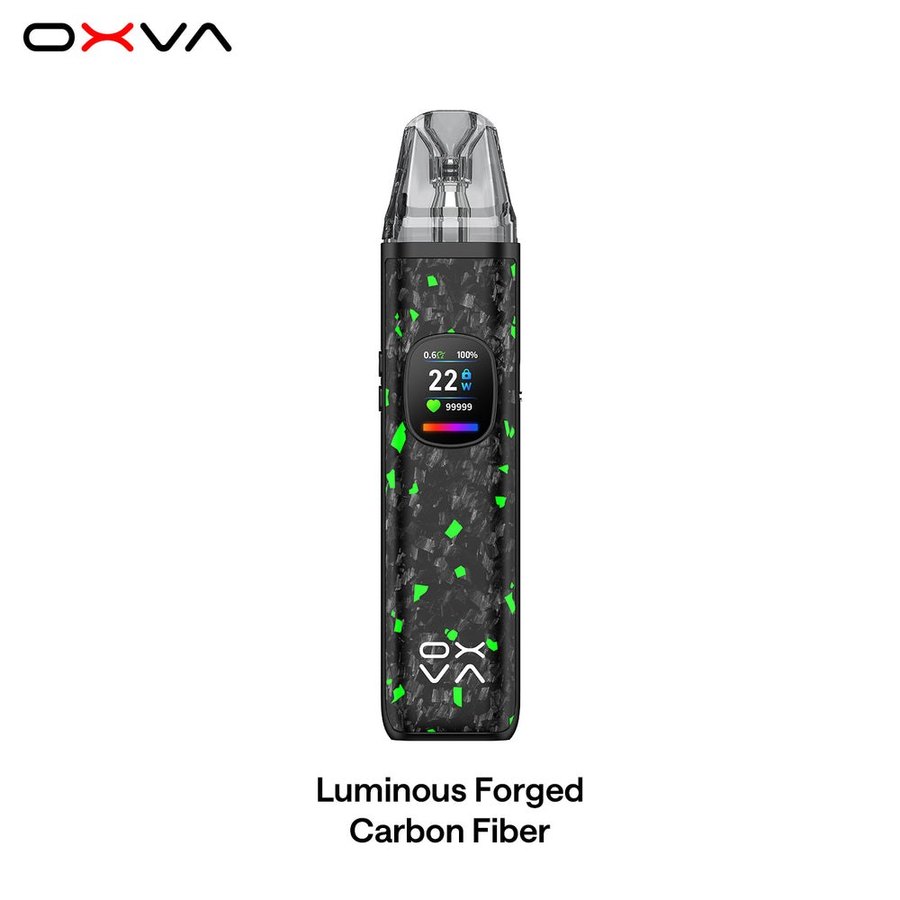
OXVA makes the Pro 2 DNA in five finishes: Luminous Forged Carbon Fiber – a real carbon fibre body with a daylight look and a luminous state – plus Frost Titanium Blue, Nebula Gray, Silk White and Silk Brown. The colour options above show which are in stock.
What’s in the Box
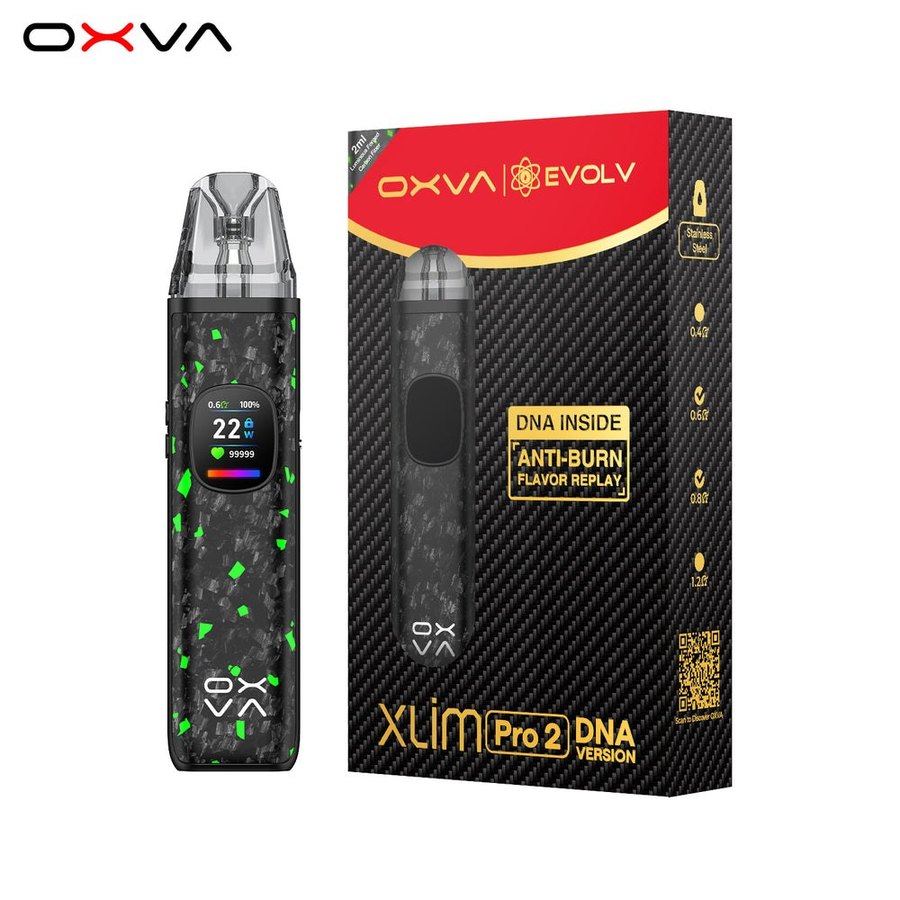
One XLIM Pro 2 (DNA Version), an XLIM Top Fill Cartridge SS 0.6Ω, an XLIM Top Fill Cartridge SS 0.8Ω, a lanyard, a Type-C cable that supports data transfer, a user manual and a quick user guide.
Best E-Liquids for the XLIM Pro 2 DNA
With the 0.6Ω or 0.8Ω stainless steel pods, 10mg or 20mg nic salts are ideal. OXVA’s Ox Passion nic salts pair well with XLIM coils, and 50/50 freebase e-liquids at 3–6mg suit the 0.4Ω. Our guide to nic salts vs freebase explains the difference.
Buy the XLIM Pro 2 DNA Near You
Need the OXVA XLIM Pro 2 DNA or its stainless steel pods today? Our Totton vape shop, Hythe vape shop and Holbury vape shop stock replacement pods, coils and kits, and the team can check which resistance suits your device and e-liquid. We’ll show you Flavour Replay and make sure you leave with the right pods. Stock varies by store, so give us a call before you travel. Ordering online instead? See our delivery options.
You May Also Like
- OXVA XLIM Stainless Steel Pods
- OXVA XLIM V3 Replacement Pods
- OXVA XLIM Pro 3 Pod Kit
- OXVA XLIM Range Review 2026
- Ox Passion Nic Salts
- All OXVA Vapes
Frequently Asked Questions
What does the DNA chip do on the XLIM Pro 2?
It reads the coil 30,000 times a second. With stainless steel pods, that enables Anti-Burn dry-hit protection, Flavour Replay and temperature control.
What is Flavour Replay?
Press REPLAY once and the device locks the output curve of your last puff, so every puff after it is delivered the same way. Press twice to cancel.
Can I programme the XLIM Pro 2 DNA on a PC?
Yes, using the data-capable Type-C cable in the box.
Is the XLIM Pro 2 DNA worth it?
If dry hits and fading flavour bother you, yes – Anti-Burn and Flavour Replay are unique in the XLIM range. If you’ll only ever use standard pods, a regular XLIM does the same job.
What pods fit the XLIM Pro 2 DNA?
XLIM stainless steel pods for the full DNA features, plus standard XLIM V3, EZ and V2 pods, which fit without Anti-Burn or Replay.
How long does the XLIM Pro 2 DNA battery last?
It has a 1300mAh battery charged at 5V/2A; how long it lasts depends on your pod and wattage. It auto-powers off after 36 hours idle to save charge.
XLIM Pro 2 DNA vs XLIM Pro 3?
The Pro 2 DNA has the Evolv chip, Anti-Burn, Flavour Replay and PC programming. The XLIM Pro 3 has a bigger 1500mAh battery and a larger 1.05-inch screen.

Reviews
There are no reviews yet.