



Description
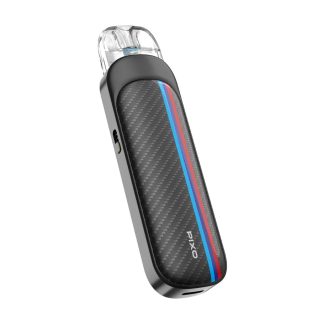
Aspire PIXO Pod Kit: The 30W Touchscreen Pod
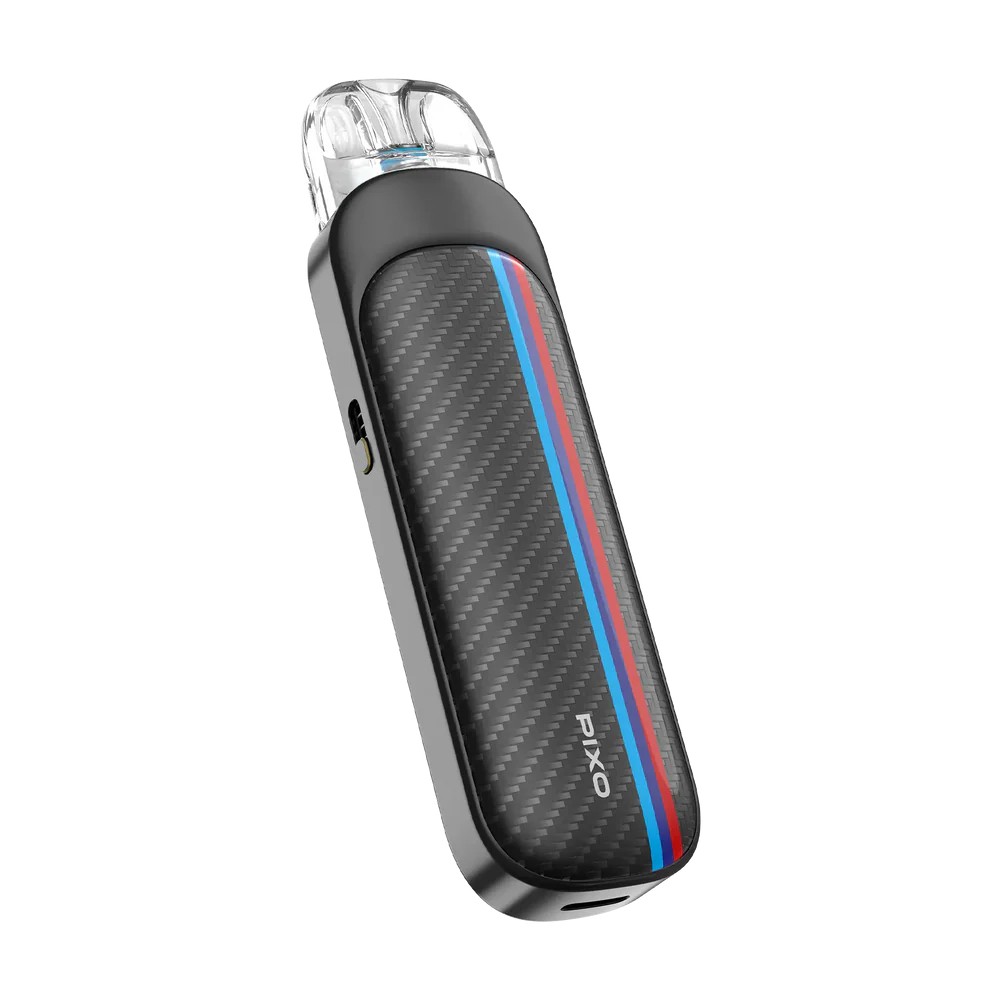
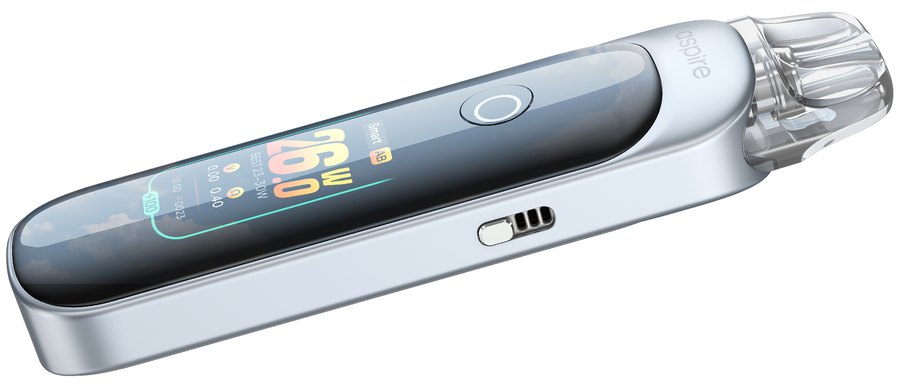
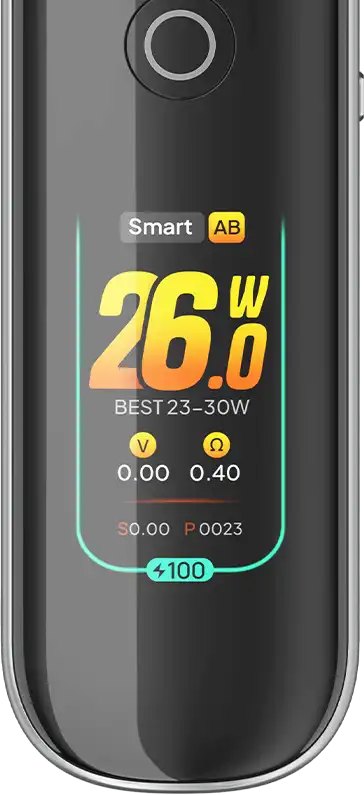
The Aspire PIXO is a touchscreen pod kit: its 1.47-inch TFT colour screen replaces most of the buttons, and Aspire describes it as the industry’s first real touchscreen MTL and RDL vape. Underneath sit a 1100mAh battery with 2A Type-C charging, 5–30W of adjustable power, and a side airflow slider that runs from a tight MTL draw to open DTL.
You choose how it fires – draw, button or both – and whether the PIXO sets the power for you in SMART mode or lets you pick it in WATT mode. It takes Aspire PIXO pod cartridges in 0.4Ω, 0.6Ω and 1.0Ω. Below: specs, the right pod for your style, setup, troubleshooting and FAQs.
🔌 Aspire PIXO at a Glance
✔ 1.47-inch TFT colour touchscreen
✔ 1100mAh battery, 2A Type-C charging
✔ 5–30W with SMART or WATT mode
✔ Three firing modes: draw, button, or both
✔ Side airflow slider: MTL, RDL and DTL
✔ 2ml side-fill PIXO pods
✔ Themes, brightness and vibration settings
✔ 7-second over-time cut-off
Aspire PIXO Specifications and Pod Wattages
Aspire’s figures, including the rated wattage of each PIXO pod:
| Specification | PIXO |
|---|---|
| Battery | 1100mAh built-in |
| Charging | Type-C, 2A maximum |
| Output | 5–30W |
| Modes | SMART (matches power to the pod) or WATT (set it yourself) |
| Screen | 1.47-inch TFT colour touchscreen |
| Firing | A mode draw, B mode button, AB mode both |
| Airflow | Adjustable side slider |
| Pods | 2ml PIXO pod, side fill, mesh coil built in |
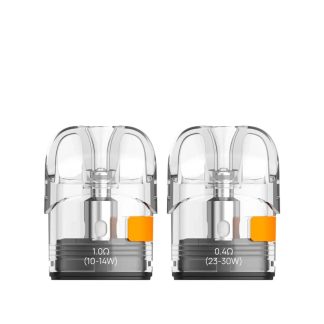
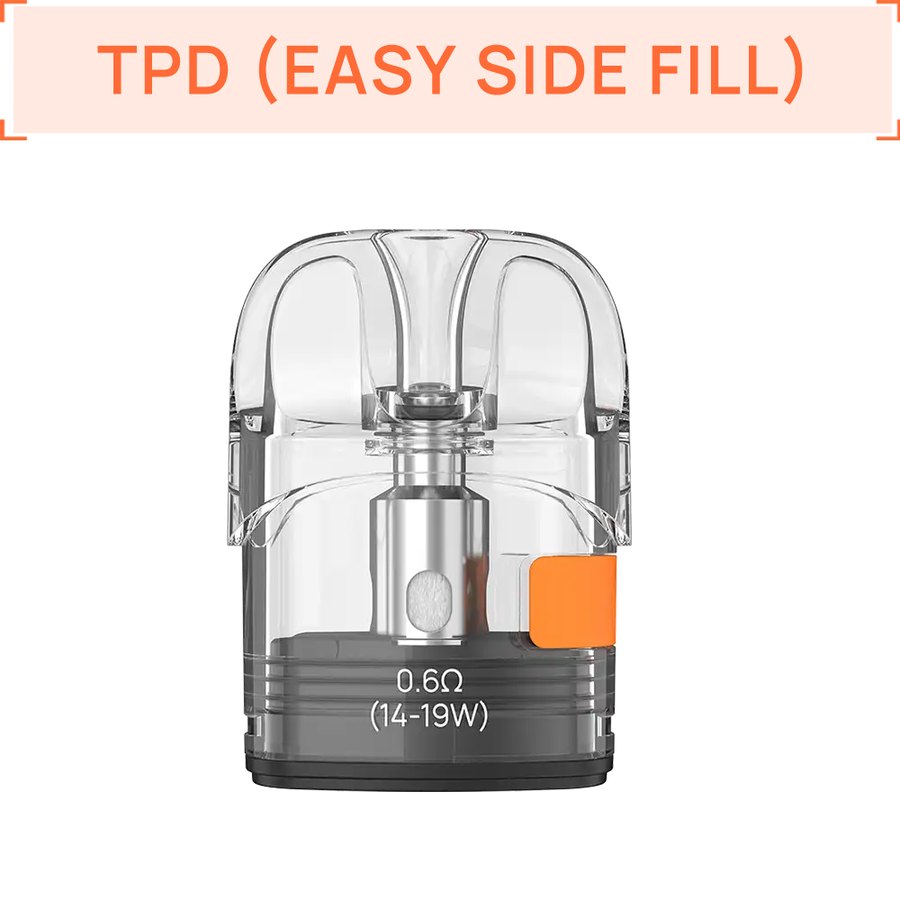
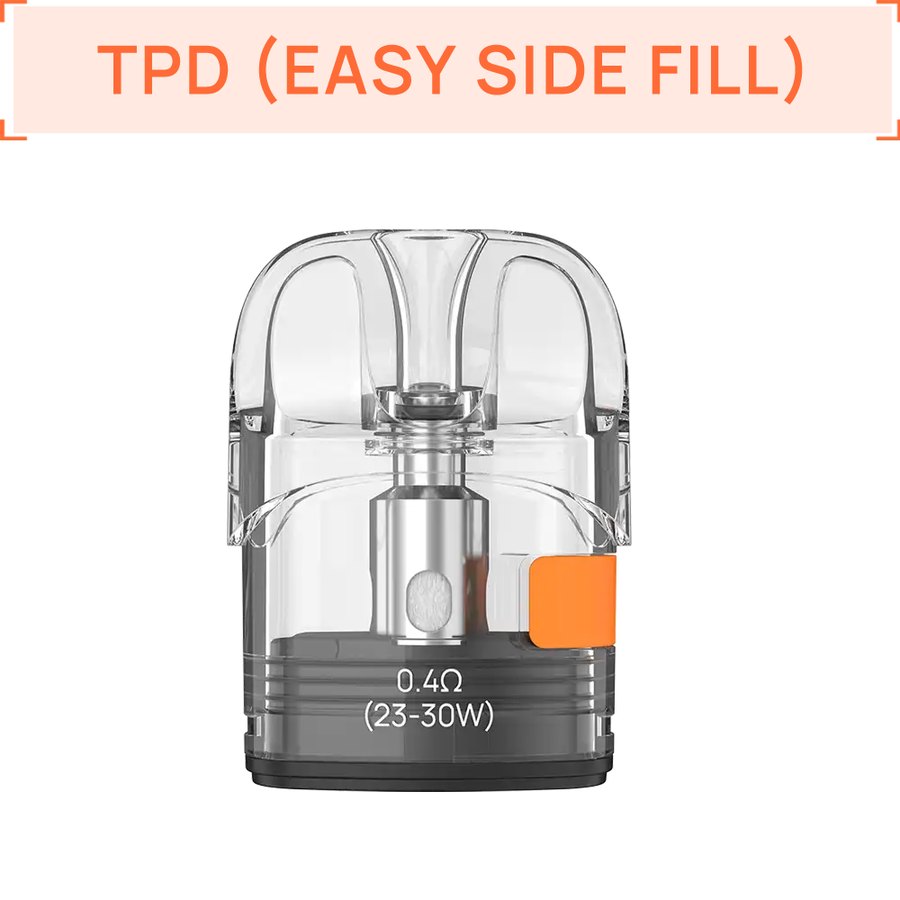
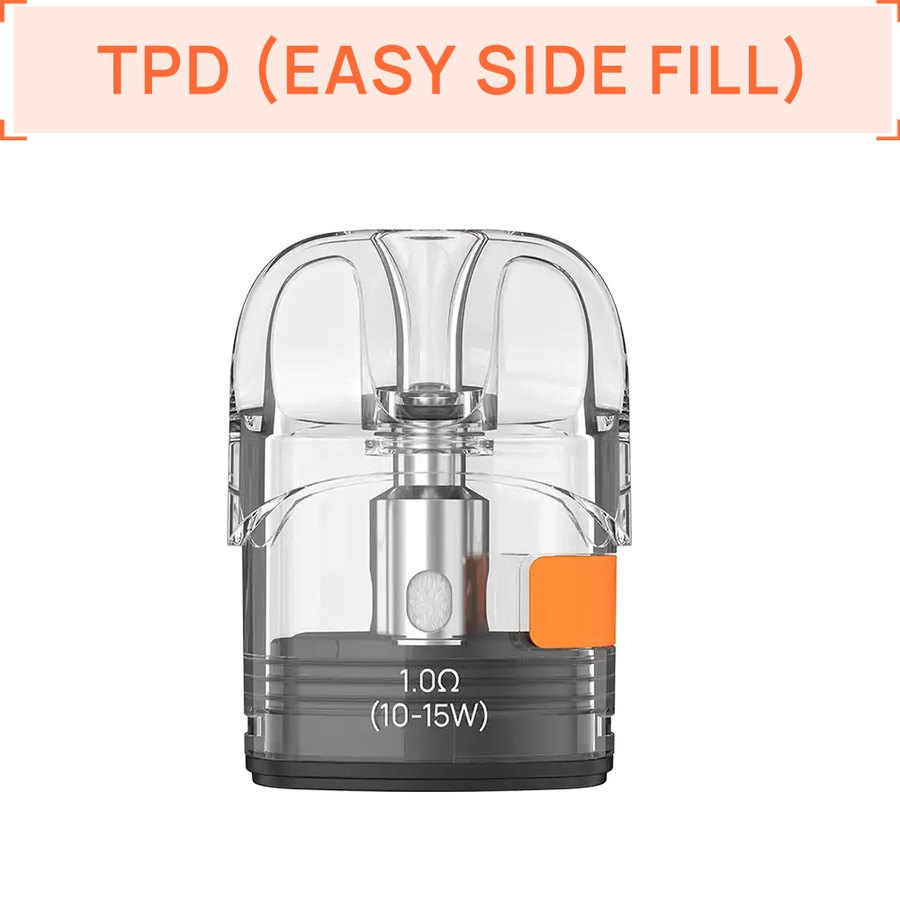
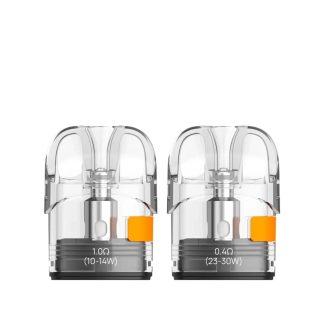
| Pod wattage | 0.4Ω 23–30W; 0.6Ω 14–19W; 1.0Ω 10–15W; 1.2Ω 9–13W |
| Size | 108.9 x 30.4 x 16.6mm (UK version) |
Which Pods Fit the Aspire PIXO?
The PIXO takes Aspire’s PIXO pod, which Aspire lists across the whole PIXO family.
The standard refill is Aspire PIXO pod cartridges, two to a pack, with a mesh coil built into each: 0.4Ω for DTL, 0.6Ω for RDL and 1.0Ω for MTL. In SMART mode the PIXO reads the pod and sets the power to match.
We also stock Aspire XL PIXO pod cartridges, a taller version with the same coils and resistances. Both fit the PIXO, and Aspire lists the same pod for the PIXO Neo, PIXO Max, PIXO Aura and PIXO Aura 2.
Will not fit: Loomix, Gotek, Minican or Flexus pods.
Getting Started with the PIXO
- Charge over Type-C – the PIXO takes up to 2A.
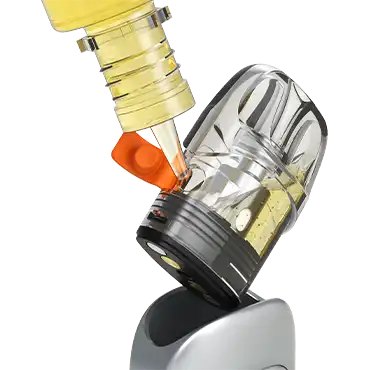
- Take the pod out, pull back the silicone seal on its side and fill, then press the seal closed.
- Seat the pod back in the device’s groove and give a new pod a few minutes to soak.
- Swipe down twice on the screen to reach the wattage setting, or leave it in SMART mode.
- Pick your firing mode – draw, button or both – and set the airflow slider for your style.
PIXO Battery and Charging
1100mAh is on the smaller side for a 30W kit, so how you use it matters. The 1.0Ω at 10–15W stretches a charge furthest; the 0.4Ω at up to 30W drains it fastest. Turning down screen brightness and vibration in the settings helps too, and when you do need to charge, the 2A Type-C input gets you back to vaping quickly.
PIXO Troubleshooting
| Problem | Likely cause and fix |
|---|---|
| Won’t fire when you inhale | You may be in button-only (B) mode. Switch to A or AB mode in the settings. |
| Swipes not registering | Wake the device and wipe the screen dry; a greasy or wet screen can miss touches. |
| Harsh hit on the 0.4Ω | Keep it within 23–30W and open the airflow slider. |
| Burnt taste | The wattage is above the pod’s range or the pod ran dry. Use SMART mode and refill in good time. |
| Leaking from the side | The silicone seal isn’t fully closed – press it home along its length. |
Which PIXO Pod for Which Style?
| Style | Pod | Airflow | Suggested liquid |
|---|---|---|---|
| MTL | 1.0Ω | Mostly closed | 20mg nic salts |
| RDL | 0.6Ω | Half open | 10–20mg nic salts |
| DTL | 0.4Ω | Open | Low-strength freebase, 50–60% VG |
Aspire recommends 40–60% VG liquids for the 0.6Ω and 1.0Ω, and 50–60% VG for the 0.4Ω.
PIXO Colours
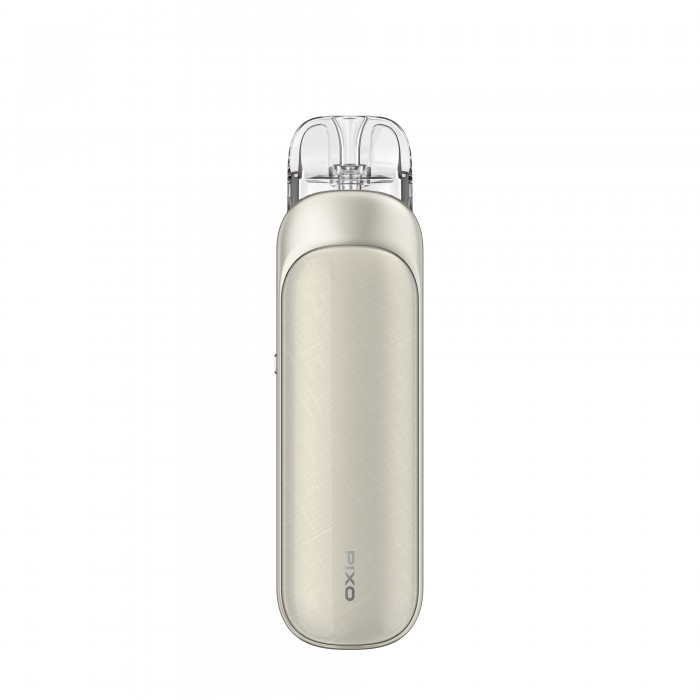
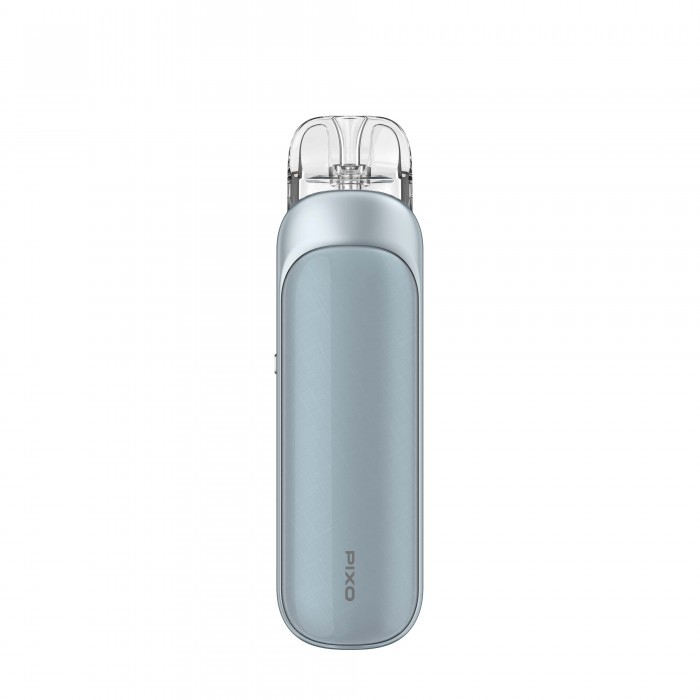
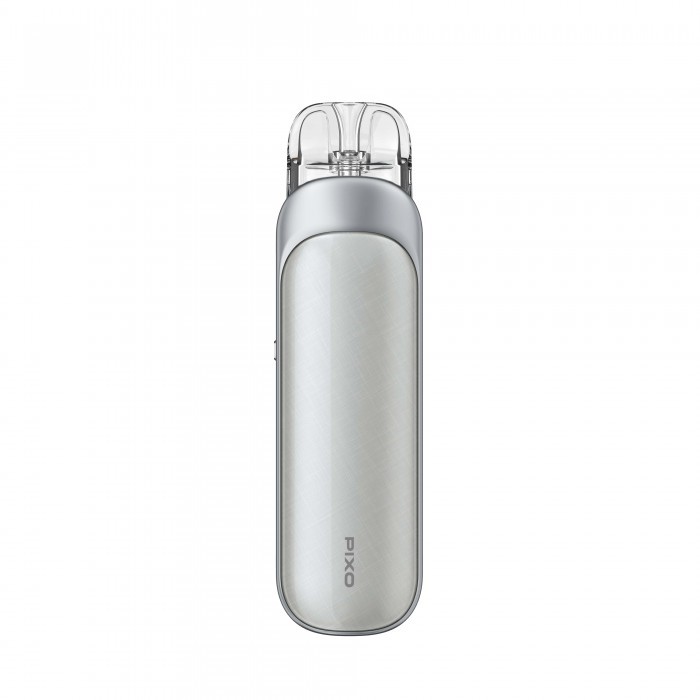
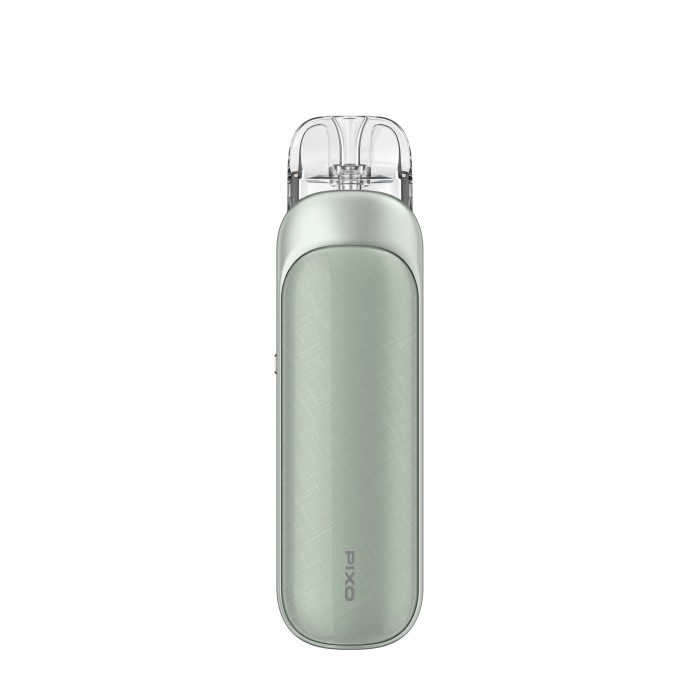
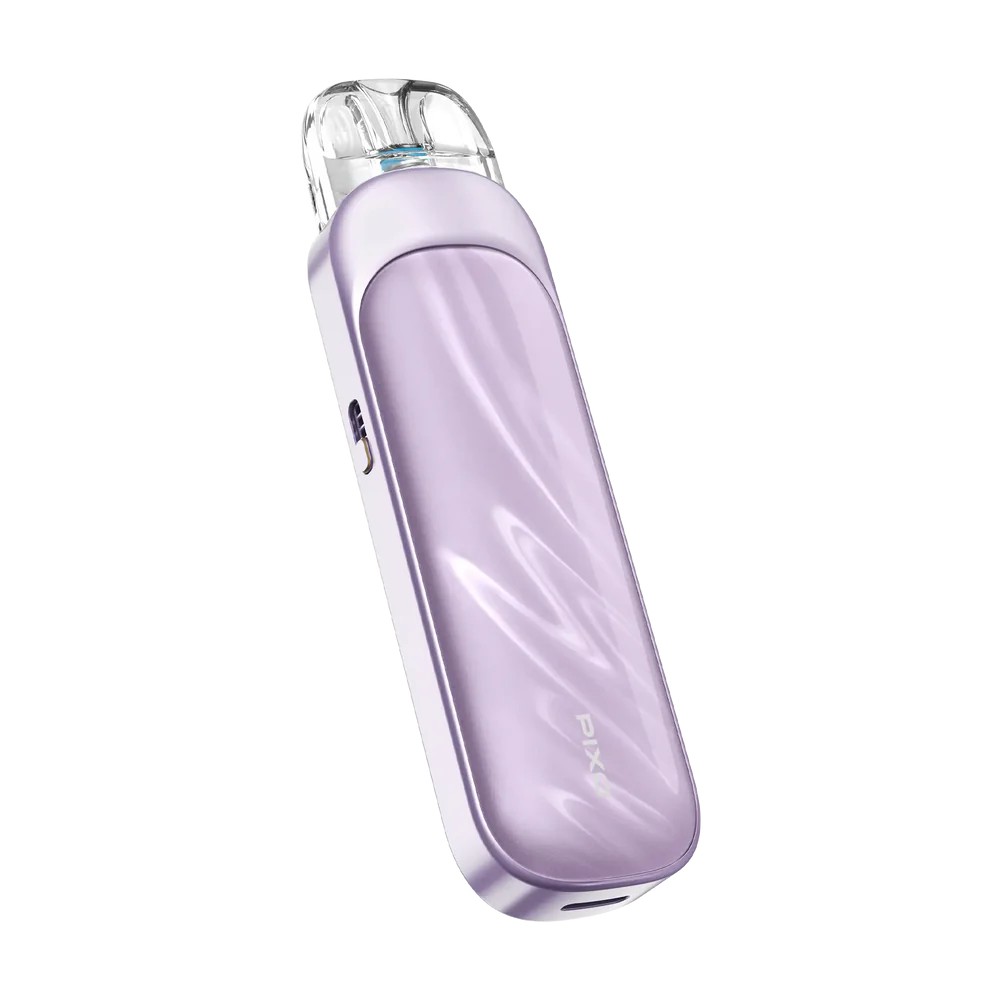
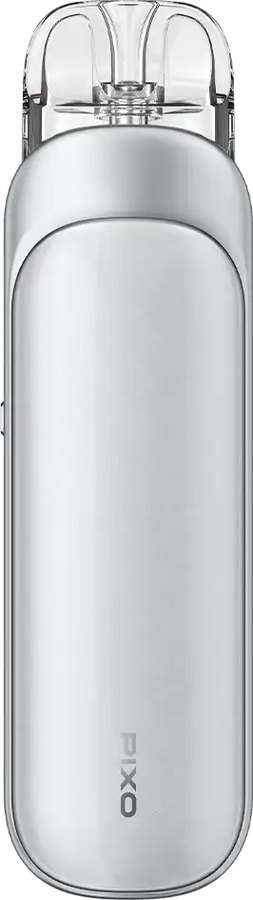
Eight finishes: Black, Purple, Pink, Ice Silver, Sage Green, Gunmetal, Beige and Frost Blue. The colour options above show current stock.
Personalising the Touchscreen
Beyond wattage, the PIXO’s settings cover screen brightness, vibration, themes, firing method and vaping animations, so it can be as quiet or as lively as you like. Two quick swipes down jump straight to the wattage.
Switching from a Disposable?
Set the firing to draw-only, fit the 1.0Ω pod, close the airflow slider and leave it in SMART mode. The PIXO then behaves like a disposable – inhale and go – but you refill it with whatever liquid you like.
Best E-Liquids for the PIXO
PIXO pods take nic salts or freebase. Use 10–20mg salts on the 0.6Ω and 1.0Ω; on the 0.4Ω, choose lower-strength 50/50 freebase from our 10ml e-liquids. Our guide to nic salts vs freebase explains the trade-off.
Try the PIXO in Store
Need the Aspire PIXO today? Our Totton vape shop, Hythe vape shop and Holbury vape shop stock replacement pods, coils and kits, and the team can check which resistance suits your device and e-liquid. Try the touchscreen before you buy and we’ll set SMART mode up for your pod. Stock varies by store, so give us a call before you travel. Ordering online instead? See our delivery options.
You May Also Like
- Aspire PIXO Pod Cartridges
- Aspire XL PIXO Pod Cartridges
- Aspire Loomix Vape Pod Kit
- Aspire Gotek Pro Pod Kit
- All Aspire Vapes
Frequently Asked Questions
Is the Aspire PIXO a touchscreen?
Yes – a 1.47-inch TFT colour touchscreen, with a home button beside it.
How do I change the wattage on the PIXO?
Swipe down twice quickly to open the wattage setting, or use SMART mode to have it set for you.
What is SMART mode on the PIXO?
SMART sets the power automatically to suit the pod; WATT lets you choose anything from 5 to 30W.
What pods fit the Aspire PIXO?
PIXO pods in 0.4Ω, 0.6Ω and 1.0Ω; Aspire also makes a 1.2Ω.
Is the PIXO auto-draw or button?
Either or both – choose A (draw), B (button) or AB mode.
How long does the PIXO battery last?
It depends on the pod: the 1.0Ω at low wattage lasts longest; the 0.4Ω at 30W drains it fastest.
Is the Aspire PIXO good?
If you want a touchscreen and full control in a pocket pod, yes – it covers MTL, RDL and DTL with one device.

Reviews
There are no reviews yet.