

Description
OXVA XLIM 3 Ultra: The Full Touch Screen XLIM
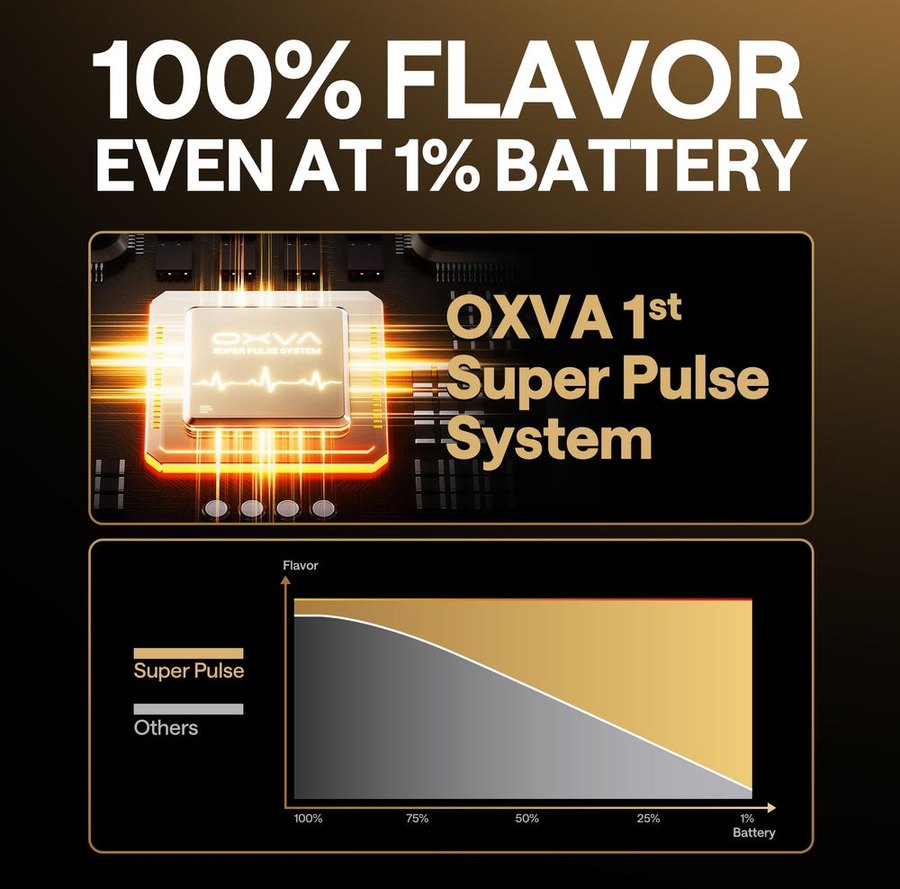
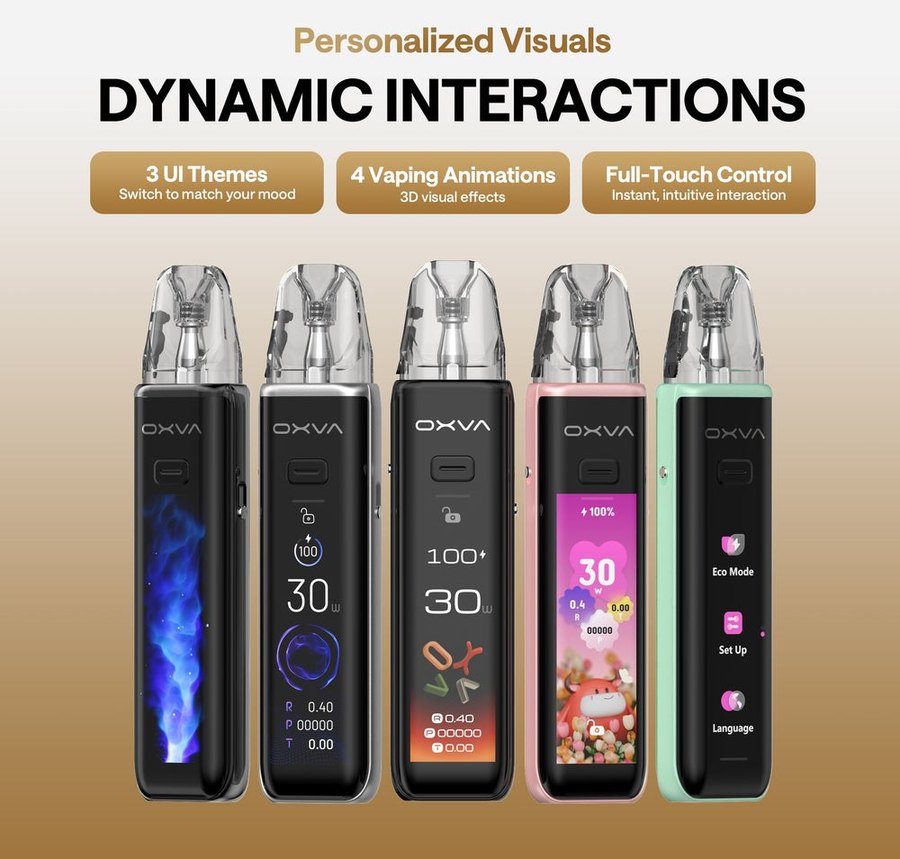
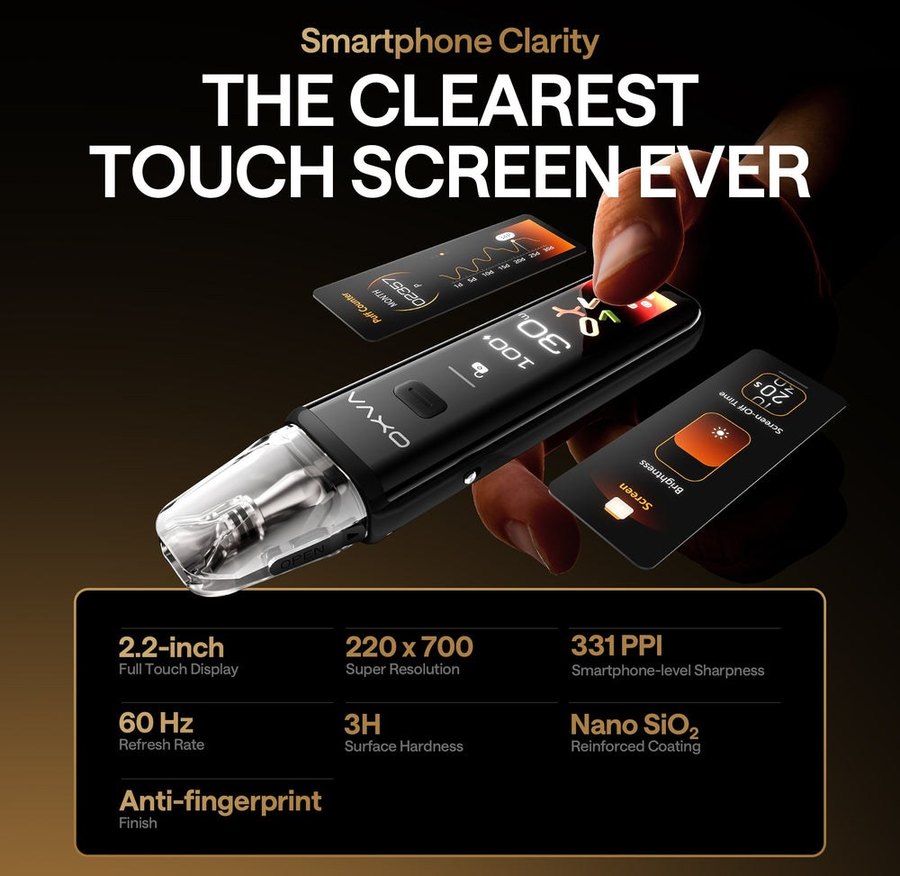
The OXVA XLIM 3 Ultra puts a 2.2-inch HD full touch screen on the XLIM pod system. Everything is controlled by touch – power, puff records, themes and settings – and underneath sits OXVA’s Super Pulse System, which OXVA says holds full flavour right down to 1% battery. Add a 1500mAh battery that reaches 80% in 30 minutes, up to four days’ use per charge, 5–30W and a one-tap Eco mode, and it’s the most feature-packed XLIM we sell.
It takes every XLIM pod – XLIM V3, XLIM EZ and XLIM V2 – and ships with two V3 top-fill pods. Below: specs, which pod to choose, the XLIM 3 Ultra vs XLIM Pro 3 question everyone asks, colours and troubleshooting.
🔌 OXVA XLIM 3 Ultra at a Glance
✔ 2.2-inch HD full touch screen
✔ Super Pulse System: steady flavour to low battery
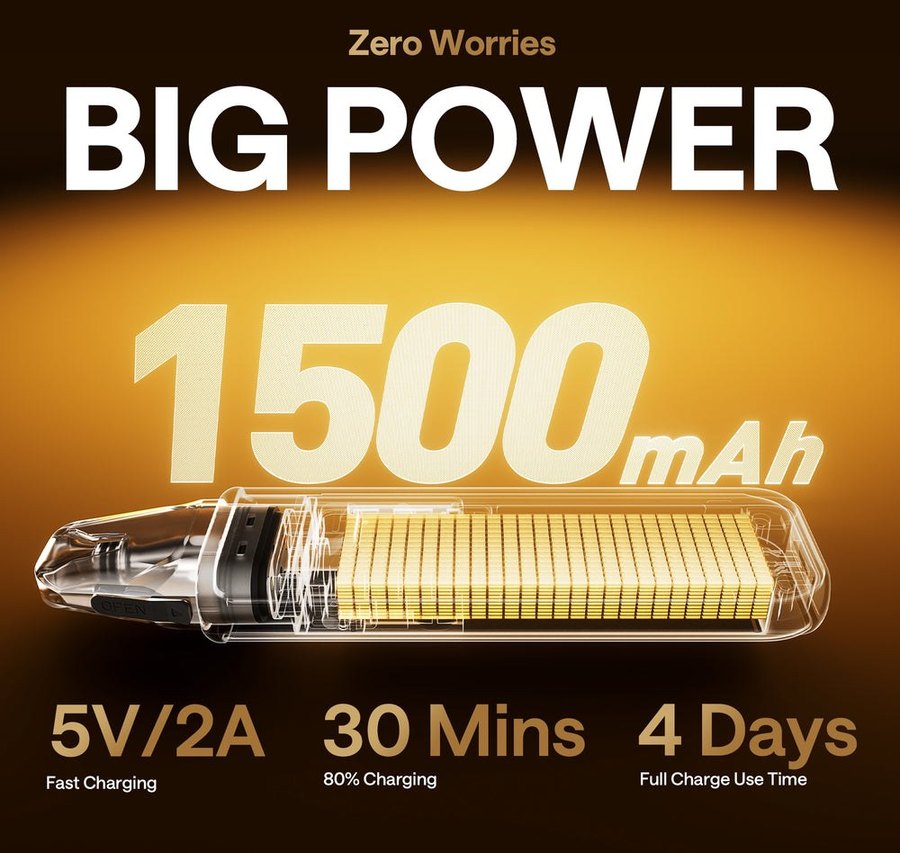
✔ 1500mAh, 80% in 30 minutes, up to 4 days
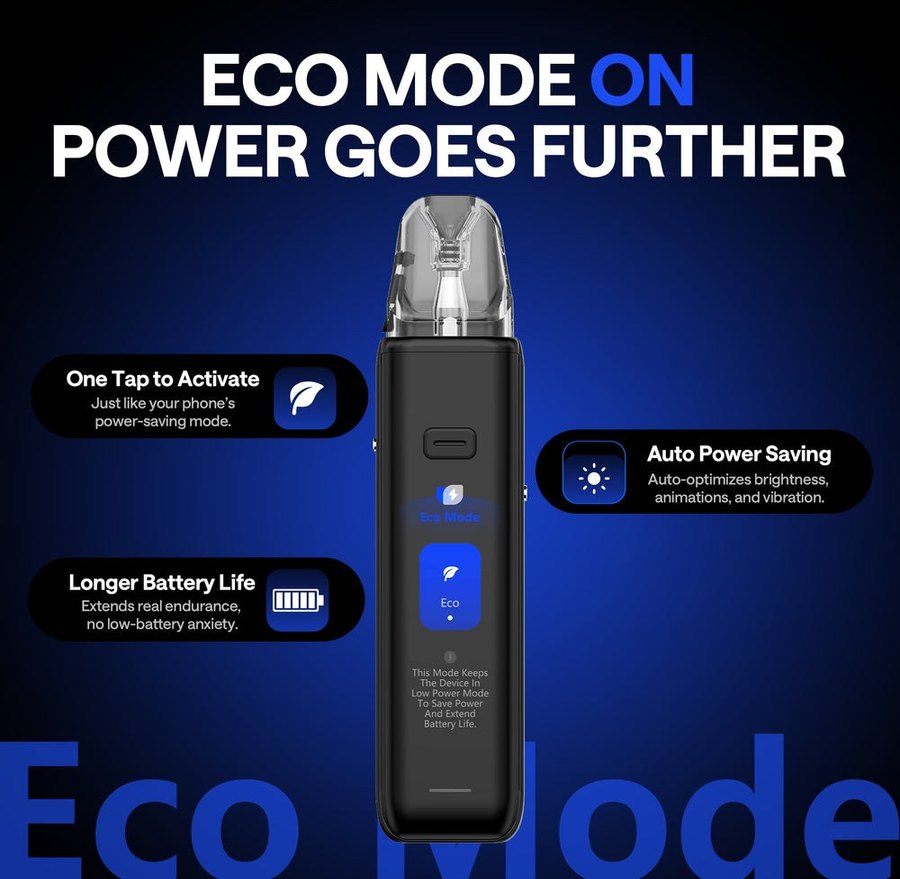
✔ 5–30W with one-tap Eco mode
✔ Puff counter: day, week and month
✔ Auto-draw or button, with slide lock
✔ MTL to RDL airflow slider
✔ Takes every XLIM pod
OXVA XLIM 3 Ultra Specifications
OXVA’s figures:
| Specification | XLIM 3 Ultra |
|---|---|
| Battery | 1500mAh built-in; up to 4 days per charge |
| Charging | Type-C 5V/2A: 80% in 30 minutes, full in about 45 |
| Output | 5–30W, 0.3–3.0Ω |
| Screen | 2.2-inch HD full touch, 220 x 700, 331PPI, 60Hz, anti-fingerprint coating |
| Themes | 3 UI themes, 4 vaping animations |
| Firing | Auto-draw (0.01s) or button; slide lock for the button |
| Airflow | Side slider, MTL to RDL |
| Pods in the box | XLIM V3 top-fill 0.6Ω (fitted) and 0.8Ω |
| Size and weight | 121.9 x 28.9 x 16.5mm, 90g |
Which Pods Fit the XLIM 3 Ultra?
OXVA lists every XLIM pod for the 3 Ultra, and the XLIM V2, V3 and EZ pods are interchangeable. Here’s how each resistance behaves in it.
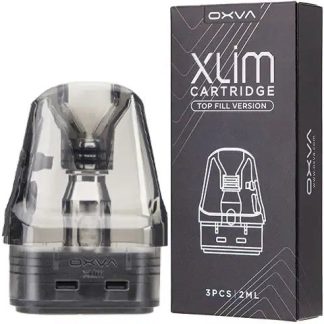
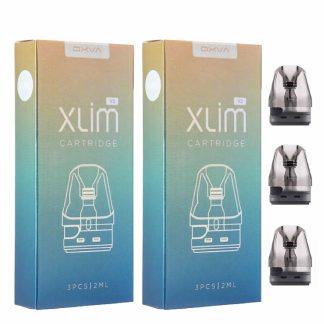
It ships with XLIM V3 replacement pods – the top-fill pod most XLIMs now use – and those are the natural refill. The XLIM EZ pods fit just the same and add a flip-open snap-top port that fills in seconds, and the original side-fill XLIM V2 pods also fit. All three are interchangeable, so you can mix them in one device.
Because the 3 Ultra reaches 30W, it runs every resistance including the 0.4Ω, which needs 26–30W.
Will not fit: NeXlim pods, which are a different shape, or the stainless steel DNA pods, which are only for the XLIM Pro 2 DNA.
Getting Started with the XLIM 3 Ultra
- Charge to full – 80% takes about 30 minutes.
- Fill the pre-installed 0.6Ω V3 pod through its top-fill port and refit it; leave a new pod five minutes to soak.
- Swipe through the touch menus to set output, choose a theme and turn animations on or off.
- Pick your firing: draw to vape, or slide the lock to use the button.
- Set the airflow slider – tight for MTL, open for RDL.
XLIM 3 Ultra Battery Life and Charging
OXVA rates the 1500mAh battery at up to four days per charge, and 5V/2A charging reaches 80% in about 30 minutes, with a full charge in around 45. Eco mode stretches it further by dimming the screen and reducing animations and vibration at a tap. The Super Pulse System keeps power delivery steady as the battery runs down, so the last puffs taste like the first.
XLIM 3 Ultra Troubleshooting
| Problem | Likely cause and fix |
|---|---|
| Screen not responding | The screen locks against mistouches after five seconds and while you vape. Tap to wake it, or check the slide lock. |
| Button does nothing | The slide lock may be on. Slide it to enable the fire button. |
| Battery draining quickly | Turn on Eco mode, lower the brightness and switch off animations. |
| 0.4Ω pod tastes harsh | Keep it within 26–30W and open the airflow. |
| Leaking pod | Seat the top-fill plug fully and leave a small air gap. |
XLIM 3 Ultra vs XLIM Pro 3
| XLIM 3 Ultra | XLIM Pro 3 | |
|---|---|---|
| Screen | 2.2-inch HD full touch | 1.05-inch HD colour |
| Power system | Super Pulse | Pulse System with PHOTON chip |
| Battery life (OXVA) | Up to 4 days | Up to 5 days |
| Eco mode | Yes, one tap | Not listed |
| Puff tracking | Day, week and month | Puff counter |
| Weight | 90g | 77.4g |
| Pods | Every XLIM pod | Every XLIM pod |
In short: the 3 Ultra is about the touch screen and features; the OXVA XLIM Pro 3 is slimmer, lighter and lasts a day longer per charge. Both take the same pods.
XLIM 3 Ultra Colours
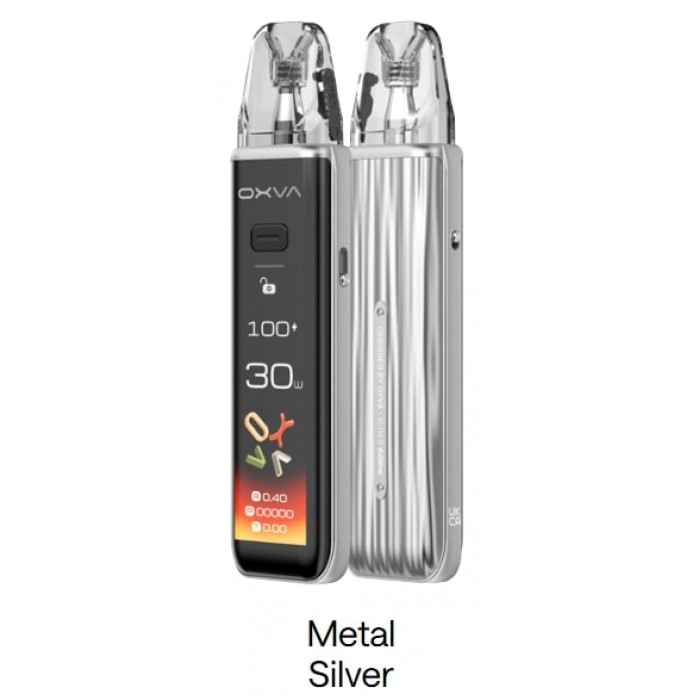
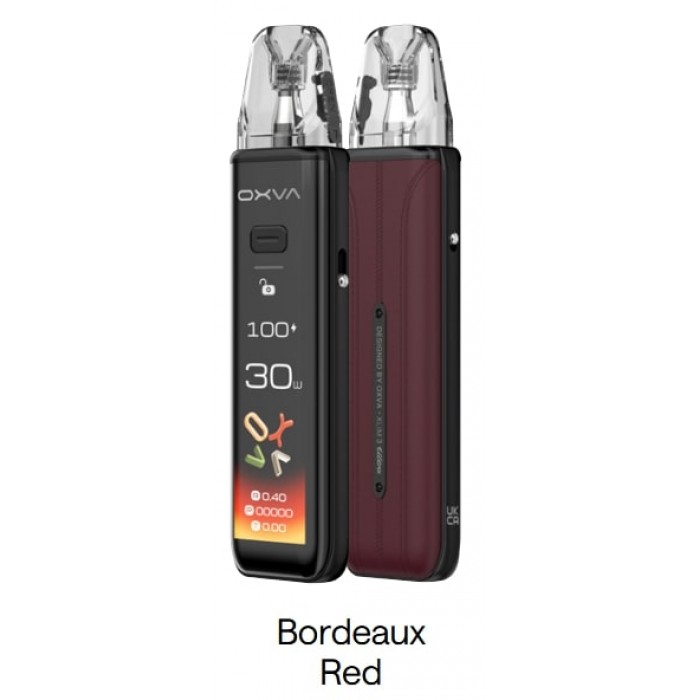
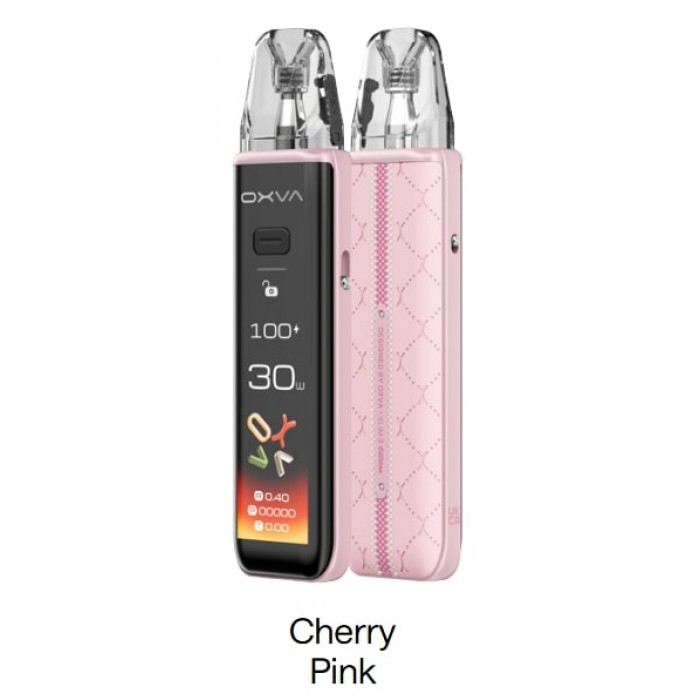
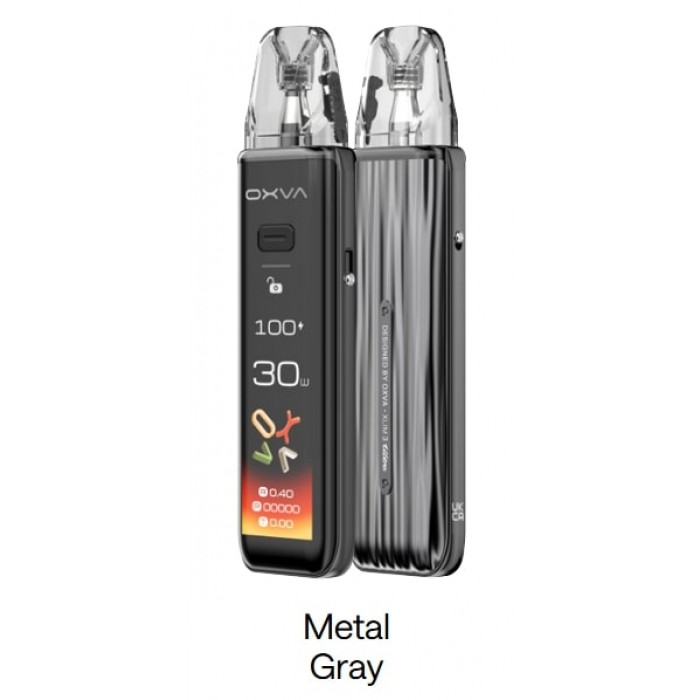
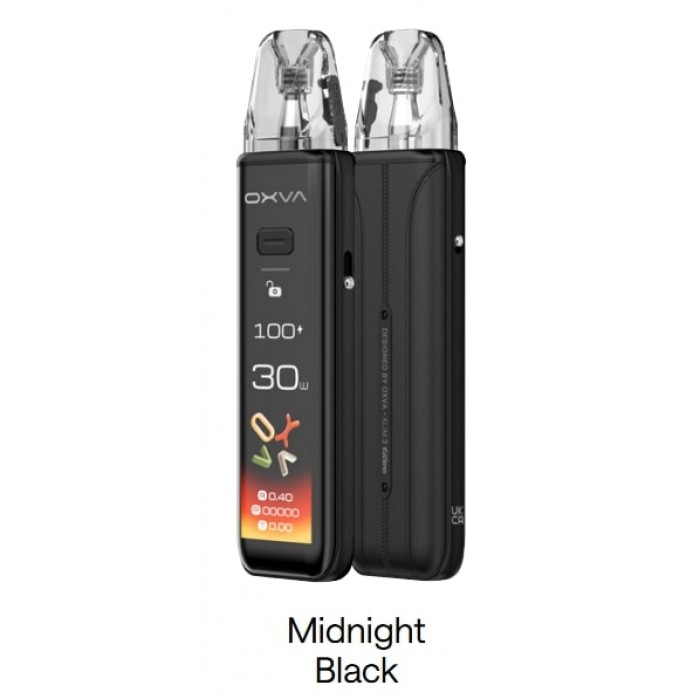
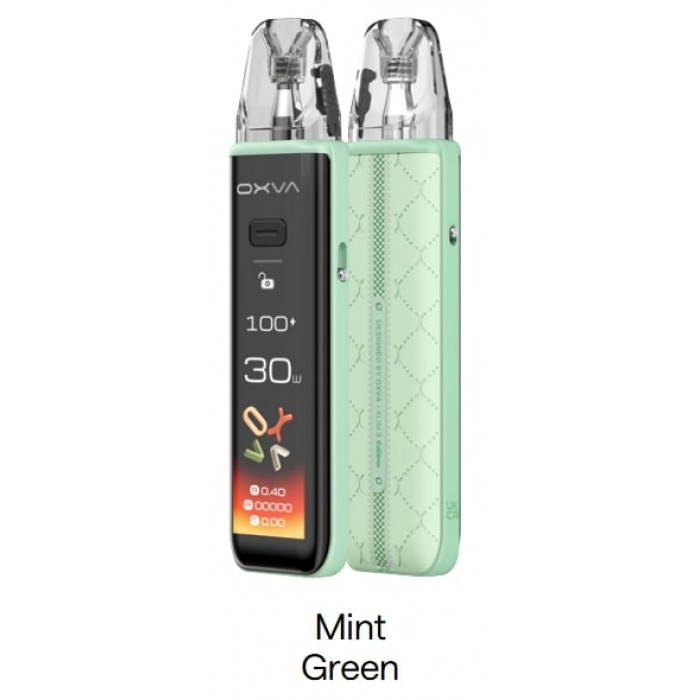
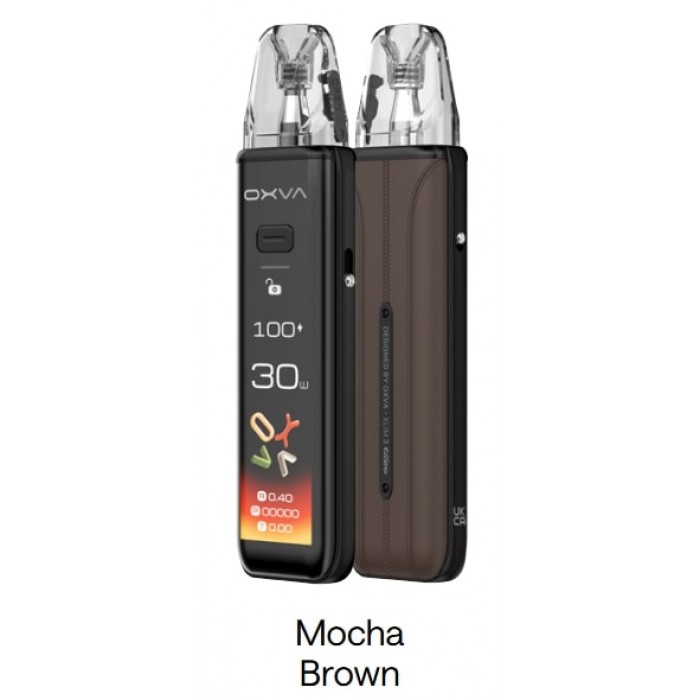
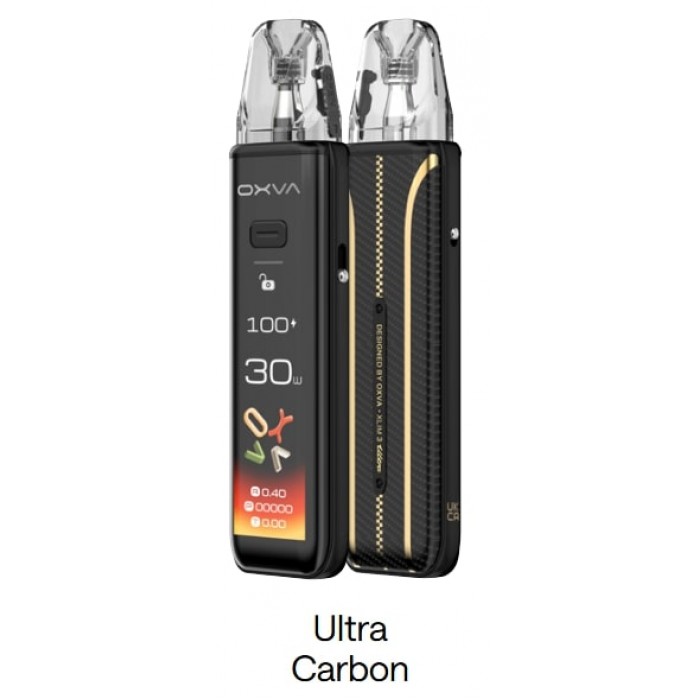
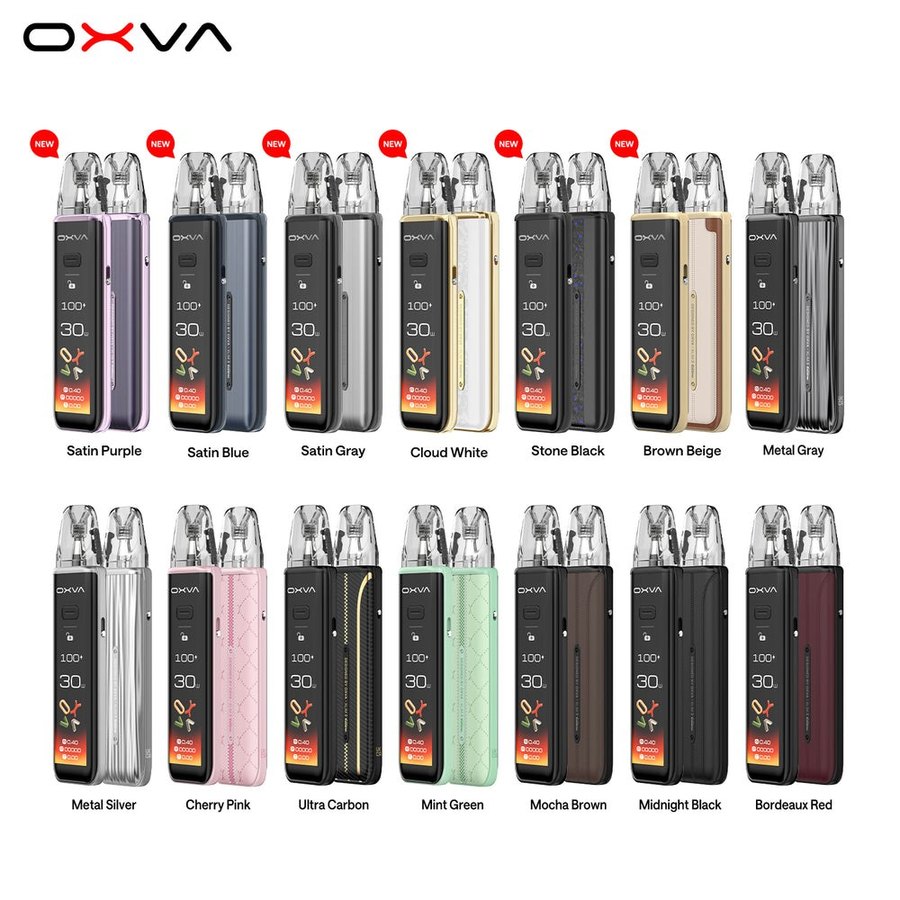
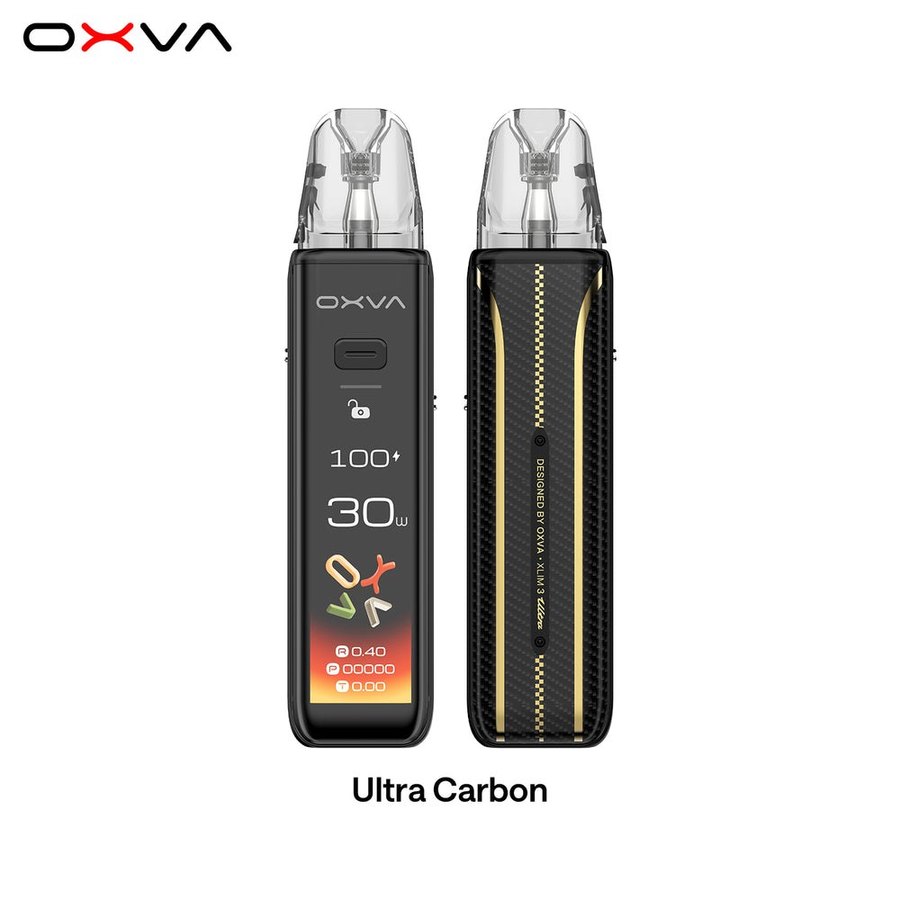
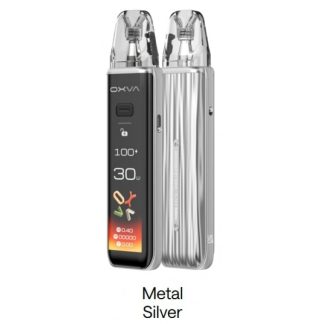
OXVA makes the 3 Ultra in 14 finishes: Ultra Carbon, Mocha Brown, Midnight Black, Bordeaux Red, Metal Gray, Metal Silver, Cherry Pink, Mint Green, Satin Purple, Satin Blue, Satin Gray, Cloud White, Stone Black and Brown Beige. The colour options above show what we have in stock.
Puff Tracking and Privacy
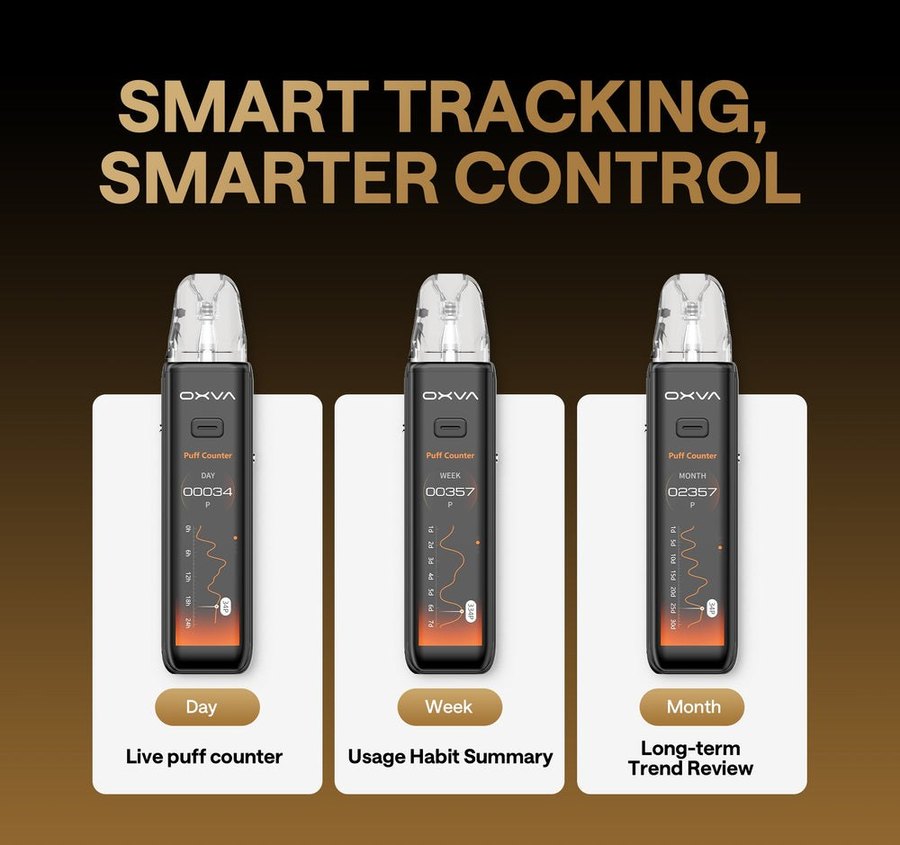
The touch menu includes a live puff counter with day, week and month summaries – useful if you’re cutting down. OXVA says the records stay on the device and aren’t collected.
What’s in the Box
One XLIM 3 Ultra, an XLIM V3 0.6Ω pod (fitted), a V3 0.8Ω pod, a Type-C cable, a user manual, a quick guide and a use suggestion card.
Best E-Liquids for the XLIM 3 Ultra
The 3 Ultra suits nic salts and 50/50 freebase. OXVA’s own Ox Passion nic salts pair naturally with XLIM pods, and our 10ml e-liquids cover freebase. For a comparison of nicotine types, see nic salts vs freebase.
Try the XLIM 3 Ultra in Store
Need the OXVA XLIM 3 Ultra today? Our Totton vape shop, Hythe vape shop and Holbury vape shop stock OXVA pods and kits, and the team can check which resistance suits your device and e-liquid. Try the touch screen and compare it with the Pro 3 side by side. Stock varies by store, so give us a call before you travel. Ordering online instead? See our delivery options.
You May Also Like
- OXVA XLIM V3 Replacement Pods
- OXVA XLIM EZ Replacement Pods
- OXVA XLIM Pro 3 Pod Kit
- OXVA XLIM 4 Pod Kit
- OXVA XLIM Ultra Review
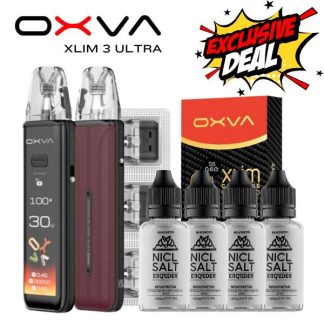
- XLIM 3 Ultra Bundle
Frequently Asked Questions
Is the OXVA XLIM 3 Ultra good?
If you want a touch screen and the most features in an XLIM, yes – it’s the most advanced XLIM we sell, and it takes every XLIM pod.
What are the key differences between the XLIM Pro 3 and 3 Ultra?
The 3 Ultra has a 2.2-inch full touch screen, Super Pulse, Eco mode and puff tracking; the Pro 3 has a 1.05-inch screen, is lighter and lasts up to five days per charge.
Is 0.6 or 0.8 ohm better in the XLIM 3 Ultra?
For nic salts we recommend the 0.6Ω – a more intense flavour hit. The 0.8Ω is cooler and tighter.
How long does the XLIM 3 Ultra battery last?
Up to four days per charge by OXVA’s figures, with 80% in 30 minutes.
What pods does the XLIM 3 Ultra use?
Any XLIM pod: V3, EZ or V2, from 0.4Ω to 1.2Ω.
How much is the XLIM 3 Ultra?
See the price at the top of this page – and check our XLIM 3 Ultra bundle.
Why is my XLIM 3 Ultra screen not working?
It locks against mistouches after five seconds and while you vape. Tap to wake it; if the button won’t fire, check the slide lock.

Reviews
There are no reviews yet.